What is Home Assistant?
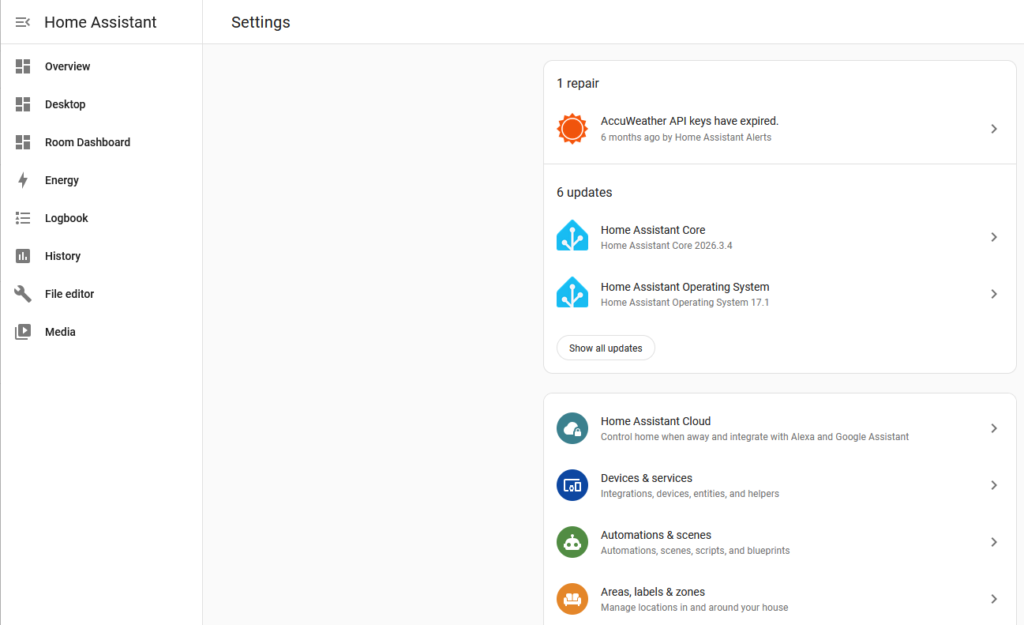
Home Assistant is a locally run software platform that lets you control and automate smart home devices, usually on dedicated hardware inside your home. One of the biggest advantages of Home Assistant is that it can run completely offline. Your automations and devices do not have to rely on the cloud or an internet connection to work.
Many smart devices communicate using local protocols like Zigbee, which is built directly into products such as light bulbs, switches, and sensors. These devices can be controlled entirely through Home Assistant without sending data outside your home. If you do have cloud-based devices, Home Assistant can integrate with those as well, giving you a single place to manage everything.
Who is Home Assistant for?
One of the biggest reasons to use Home Assistant is the level of control it gives you over your smart home. Instead of relying on multiple apps or cloud services, everything can be managed in one place. Devices can work together more seamlessly, and automations can be built around how you actually live day to day.
Another big advantage is that it runs locally. Your devices and automations continue to work even if your internet goes down, and you’re not dependent on a company keeping their service online. It also gives you more flexibility to choose the devices you want, rather than being locked into a single ecosystem.
Why I Choose Home Assistant
I’ve been using Home Assistant for five years now, and it’s still one of the most underrated tools in the smart home space. If you’re already familiar with smart home technology, there’s a good chance you’ve at least heard of it. For anyone outside that community, it often feels like a hidden gem.
As someone who enjoys technology, I’ve always been interested in smart homes, but I needed a real problem to solve before diving in. That problem was our basement lighting. The basement has eight can lights that are all controlled by a single switch. When we were watching TV or movies, it was frustrating to get up just to turn the lights off. Even worse, the light closest to the TV caused glare, and there was no way to dim or selectively turn lights off.
I started looking into smart bulbs and quickly found that Philips Hue had great reviews, but buying eight can lights would have been expensive. While researching alternatives, I came across Zigbee-based bulbs on Amazon that fit our fixtures and did exactly what I needed. That was my introduction to Zigbee and, soon after, Home Assistant.
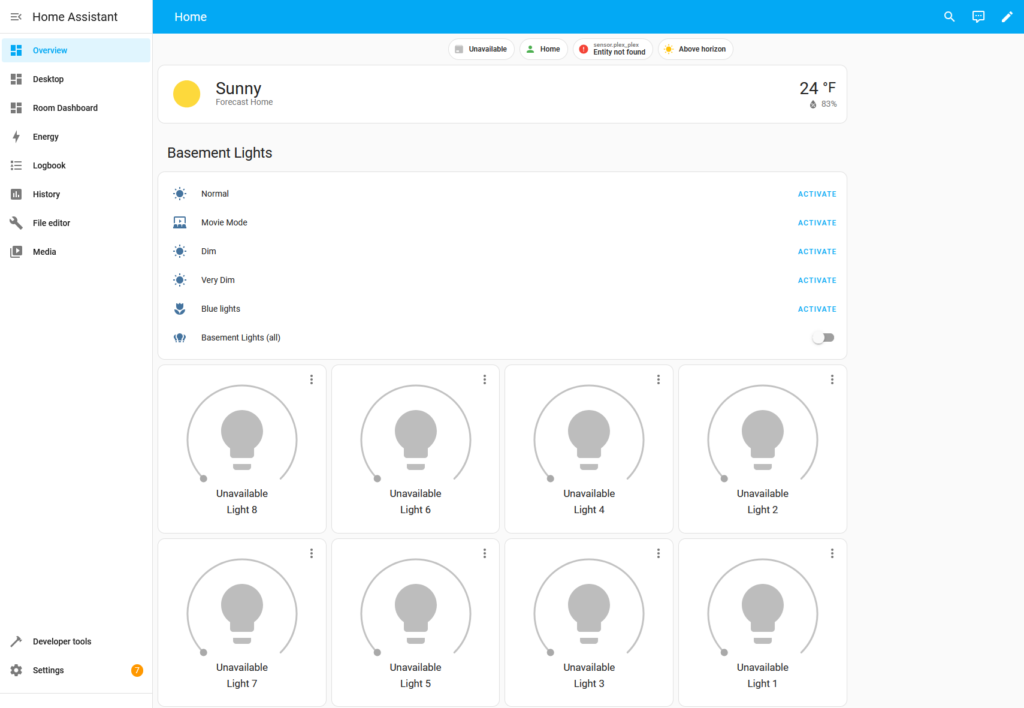
Those basement smart lights became my gateway into a smarter home that blends into everyday life instead of taking it over. I don’t have the most fancy or over the top setup, I prefer a balanced approach where the technology stays in the background, but the control is there when I want it.
Getting Started with Home Assistant
Getting started with Home Assistant is easier than it might seem. You don’t need a complex setup right away. A small dedicated device (hub), a couple of smart devices, and one simple automation is more than enough to get up and running.
From there, you can build at your own pace. Start with something simple like a light or a smart plug, and expand as you get more comfortable. Over time, those small additions can turn into a setup that fits your home and daily routine really well.
While I use Zigbee for many of my devices, there is a new standard that is becoming very popular called Matter and if you were to start a smart home now, I would look for Matter devices.
Home Assistant Hardware
Reliability matters, especially when you’re running Zigbee devices and automations that need to work every day and here is the hardware I run in my Home Assistant setup.
My setup focuses on:
- Low power, always-on hardware
- Local control
- Easy backup and restore if hardware fails
Links to Hardware
- Official Home Assistant Hardware
- DIY Hub Hardware
- Wireless Dongles
- Home Assistant Connect ZBT-2 (Zigbee, Thread, and Matter)
- ConBee II – Zigbee Dongle (I have this one)
- Conbee III – Zigbee Dongle
- Zooz Z-Wave
Note: As an Amazon Associate I earn from qualifying purchases. No additional cost to you.
My Hardware Setup
I highly recommend using dedicated hardware. Check out my post where I share how I set up Home Assistant on an HP T620 thin client that I picked up used on eBay for around $40.
Home Assistant Software
Once you’ve picked your hardware, the next step is installing Home Assistant. The process can vary depending on whether you’re using a Raspberry Pi, a thin client, or another device, but Home Assistant provides clear, step-by-step instructions for most setups. Following their guides makes it easy to get your system up and running, even if you’re new to smart home software.
Smart Lights
I started with some Sengled BR30 light bulbs in the basement, as I mentioned before. These bulbs allow full color and brightness control.
From there, I expanded my lights to the outside and added six more for my outdoor lighting. We like to leave the lights on at night, but full brightness can be seen inside the house and is annoying while trying to sleep, so we keep them at around 10% brightness.
Since then, I have added a few miscellaneous smart lights in lamps, the office, and our storage/gym room.
Links to Light Bulbs
- Canned Lights (BR30)
- Sengled Zigbee colors lights no longer available on amazon
- Sengled Wifi version
- Govee Smart Lights
- Philips Hue Smart Lights
- Regular Light Bulbs (A19)
Note: You can typically use Philips Hue Smart Bulbs with Home Assistant and without the Philips Hue Hub. The older models would use zigbee, but the new ones mention matter compatibility.
Smart Plugs
Zigbee is heavily dependent on a mesh network to communicate, and if you don’t have enough routers, there can sometimes be failed commands when changing lights. So I have a number of smart plugs throughout the house and they act as additional Zigbee routers to help ensure my Zigbee network is strong. When looking for smart plugs, I would recommend making sure they act as a router, as most of them do.
I also have one outdoor smart plug that uses 2.4 GHz WiFi for connectivity that controls a set of lights outside.
Links to Smart Plugs
- Smart Plugs
Automations I use
The thing I love about home assistant is the ability to automate things. There are so many different ways to create automations based on different triggers, inputs, etc.
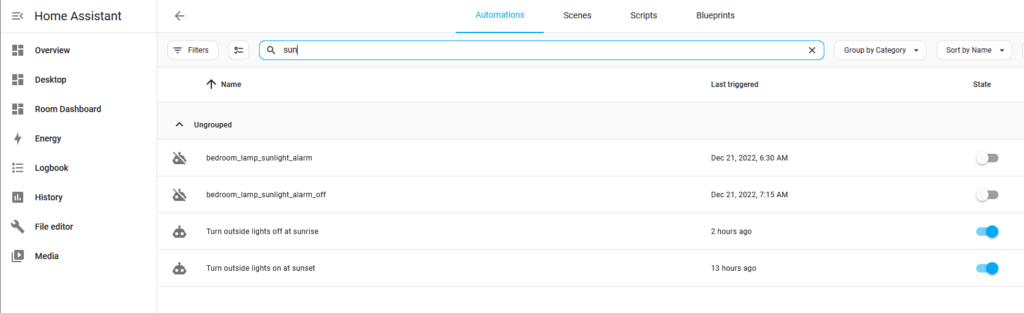
One of the most basic automations that I use daily is turning the outside house lights on and off. I have this automated so it pulls in the sunset and sunrise each day throughout the year to match the correct time to turn the lights on and off. It’s been super handy and has been running for several years now.
What I Want to Automate Next
The next thing I would like to automate is control of our hot tub. As I mentioned in my 2025 End of the Year solar post, it used a significant amount of energy and if I can control the temperature of it better, I could hopefully save some electricity.
While not an automation, I would like to also add a Zigbee switch to control my outside string lights. This is an easy upgrade, I just haven’t made it that far.
Dashboards
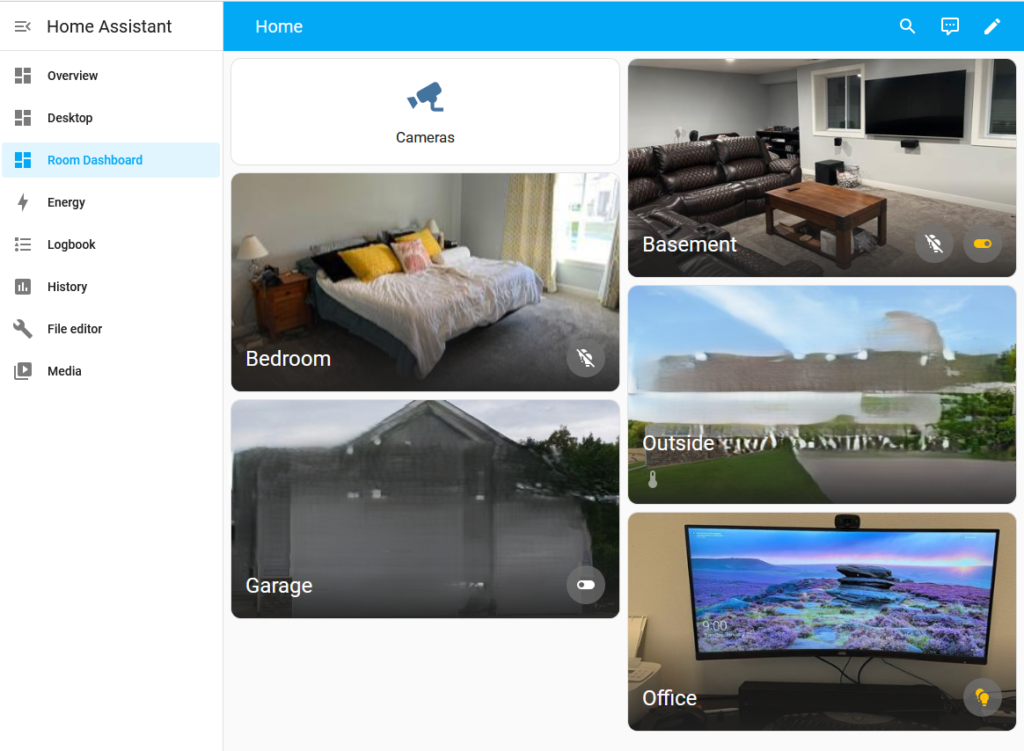
Most of the screenshots are from Home Assistant dashboards. These dashboards are highly customizable, letting you display your devices and automations however you like. One feature I really like is the ability to create cards for specific rooms, so each card only shows the devices located in that room.
Final Thoughts
Home Assistant has become one of those projects that started small and naturally grew over time. What began as a simple solution to fix my basement lighting turned into a system that quietly improves everyday life. The biggest takeaway is that you don’t need a complicated or expensive setup to get value out of it. A few smart lights, some plugs, and a couple of well thought out automations can make a noticeable difference. From there, it’s easy to expand at your own pace.
For me, the goal has never been to automate everything. It’s about finding the right balance where things just work in the background, while still having control when I want it. Home Assistant makes that possible by keeping everything local, reliable, and flexible. If you’re thinking about getting started, start small. Pick one problem to solve, build from there, and let it grow naturally. You don’t need a perfect setup on day one. If you’re already using Home Assistant, there’s always something new to try. Whether it’s improving an existing automation or adding something completely new, that’s part of what makes it such a fun platform to keep working with.
If you’re already using Home Assistant, I’d be interested to hear what automations you rely on the most. If you’re just getting started, what’s the first thing you’re looking to automate?
Additional Resources
https://www.home-assistant.io – Home Assistant’s website
https://smarthomesolver.com and Smart Home Solver Youtube’s Channel – Best smart home youtuber out there with great content