CachyOS has been on my list to try out for a while, and with the recent November 2025 (251129 release), I figured now was a great time for a CachyOS Review. First released in 2021, its relatively new distro in linux age. However in a short amount of time it has built a reputation for being a performance-focused and highly responsive distribution.
While some distros offer separate ISOs for each desktop environment, CachyOS provides a single primary desktop ISO, and you choose your desktop environment during installation. KDE Plasma is the default. I have the full list below, but I am sticking with my usual choice, Xfce.
Installation Experience
First it will ask you which bootloader you want, I went with Grub, but there was a few other options.
Once you start installation, it looks very similar to most installers these days, those options are:
- Location
- Keyboard
- Partitions (btrfs)
- I noticed the default was btrfs vs most other distros use zfs)
- Desktop
- Default is KDE Plasma Desktop
- Other options are
- GNOME
- Xfce4
- bspwm
- Budgie
- Cinnamon
- Cosmic
- i3 Window Manager
- Hyprland
- Niri
- LXDE
- LXQT
- Mate
- Openbox
- Qtile
- Sway
- UKUI
- Wayfire
- Packages
- Confirms Desktop Environments if you want to install multiple DE, plus a few other options.
- Users
- Set Name, Username, and Password
- Summary
- Install
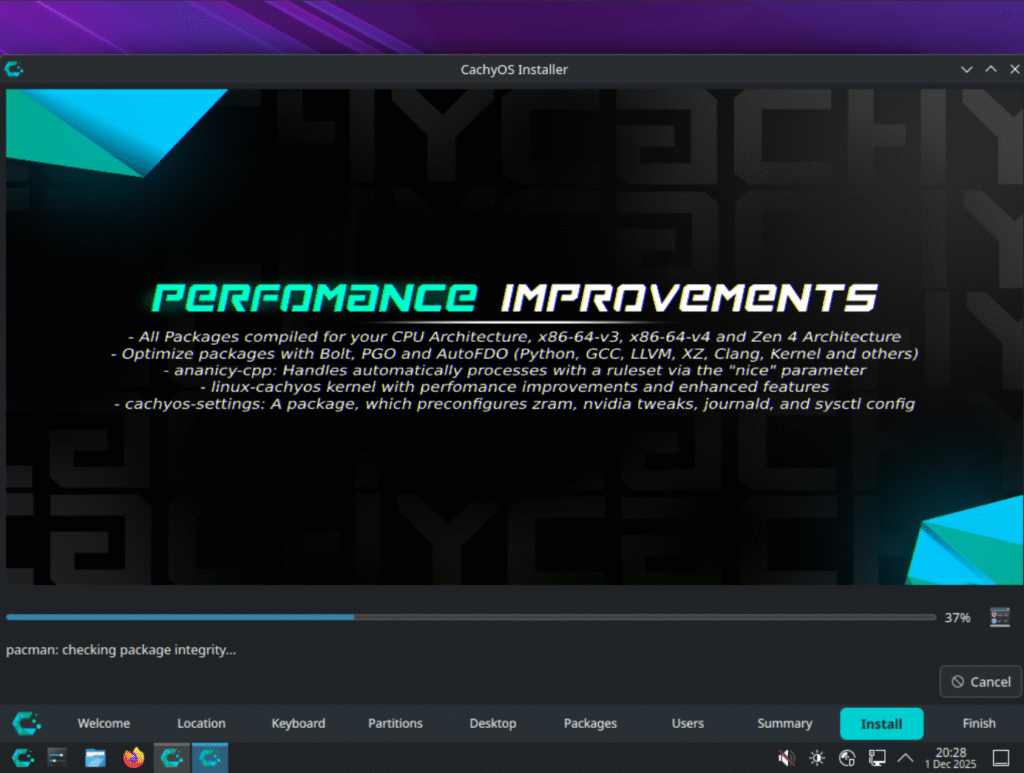
First Impressions and Performance
Overall, CachyOS feels fresh and responsive. My Xfce setup didn’t have any major customization’s and felt similar to other lightweight distros like Xubuntu or MX Linux. The default Xfce layout is clean and minimal, making it easy to use out of the box while leaving plenty of room for customization. Combined with CachyOS’s performance-focused kernel tweaks, the system delivers a fast, polished experience from the moment you log in.
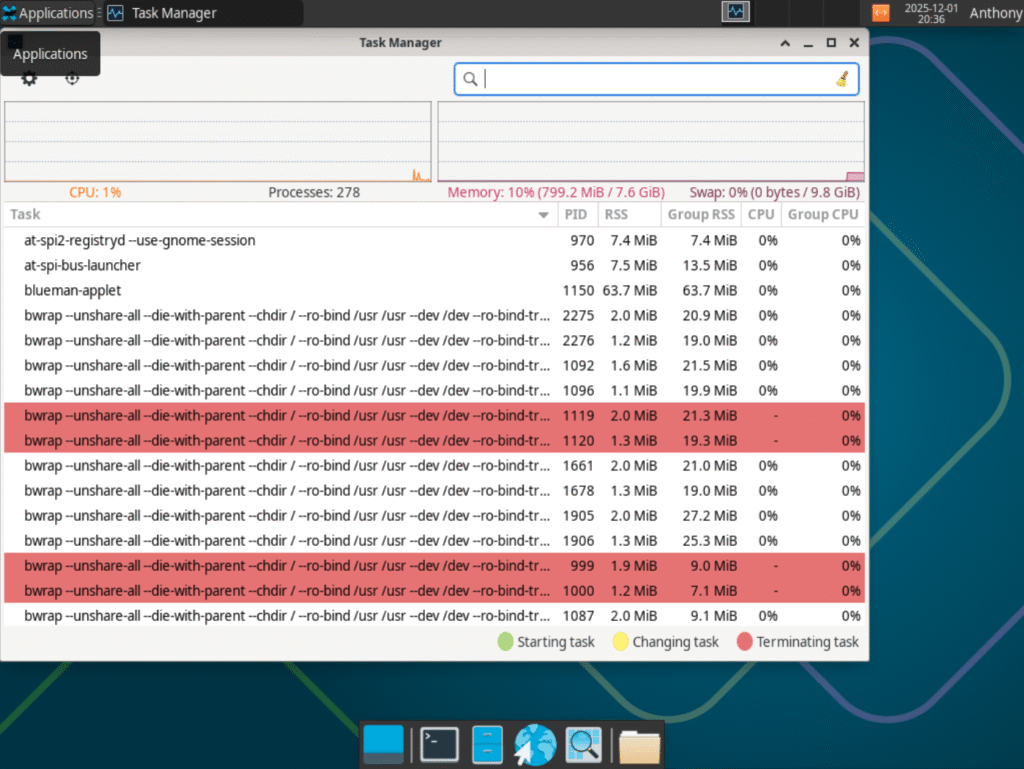
Memory, Processes, and Disk Space
| Memory Usage after startup | Disk Usage on Fresh install | Process Count after startup | |
| CachyOS 251129 | 799MB | 7.7GB | 278 |
Software
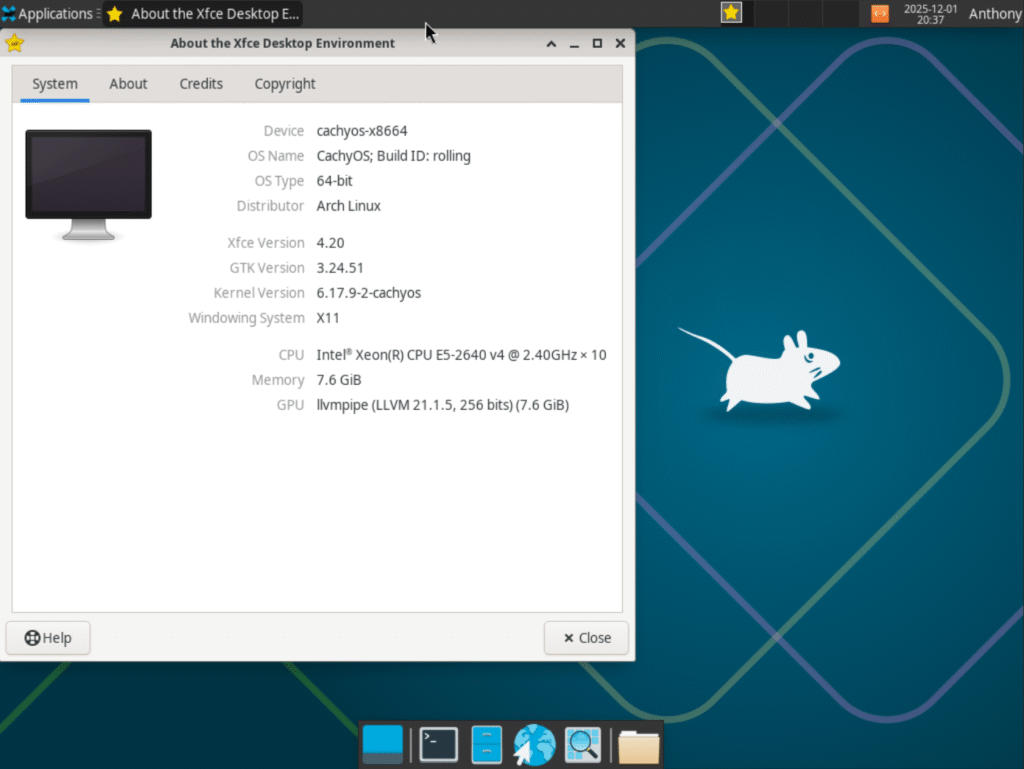
CachyOS includes the 6.17.9-2-cachyos kernel, which is much newer than what I tested in my MX Linux review just two weeks ago.
The default web browser is Firefox 145. This was my first time using CachyOS, but it looks like there’s both a CachyOS Package Installer and Octopi, a frontend for Pacman. I went ahead and installed Brave and LibreOffice using the CachyOS Package Installer, and the installation times were very fast compared to most Linux package managers.

Target Audience
CachyOS is built for people who want speed and control without having to babysit every little system detail. It’s perfect if you like the rolling-release world of Arch but want something that’s already tuned for performance right out of the box. It’s also a good fit for tinkerers who enjoy customizing their setup but don’t want to start from a bare-bones install. If you care about performance, gaming, or squeezing every bit of efficiency out of your hardware, CachyOS hits that niche nicely.
Community Support
CachyOS has a pretty active and friendly community behind it. There are forums, a subreddit, and a Discord server where users can ask questions, get help, and share tips with each other and the developers. From troubleshooting to hardware advice, the community seems supportive and quick to respond. I did not personally use the community during my testing, but it appears to be a solid resource for anyone who needs it.
Final Thoughts
Overall, CachyOS impressed me with its speed, responsiveness, and clean out-of-the-box experience. While it’s still a relatively new distro (in linux time), it feels polished and stable, with sensible defaults and performance-focused tweaks that make daily use smooth. The flexibility to choose your desktop environment during installation and the fast package management make it appealing for both new and experienced Linux users. I’m seriously thinking about installing this on my laptop for a full, bare-metal test.
One thought on “CachyOS Review November 2025: Installation, Features, and Why This Arch Distro Stands Out”