Xfce is my favorite desktop environment for Linux distributions and I wanted to try out the most popular distros that include Xfce or have a dedicated distro release for Xfce.
Not familiar with xfce, here is a short description from their website:
Xfce is a lightweight desktop environment for UNIX-like operating systems. It aims to be fast and low on system resources, while still being visually appealing and user friendly. – xfce.org
In this review, I cover some of the most popular linux distros out there such as CachyOS, Debian, Fedora, Linux Mint, Manjaro, MX Linux, and Xubuntu.
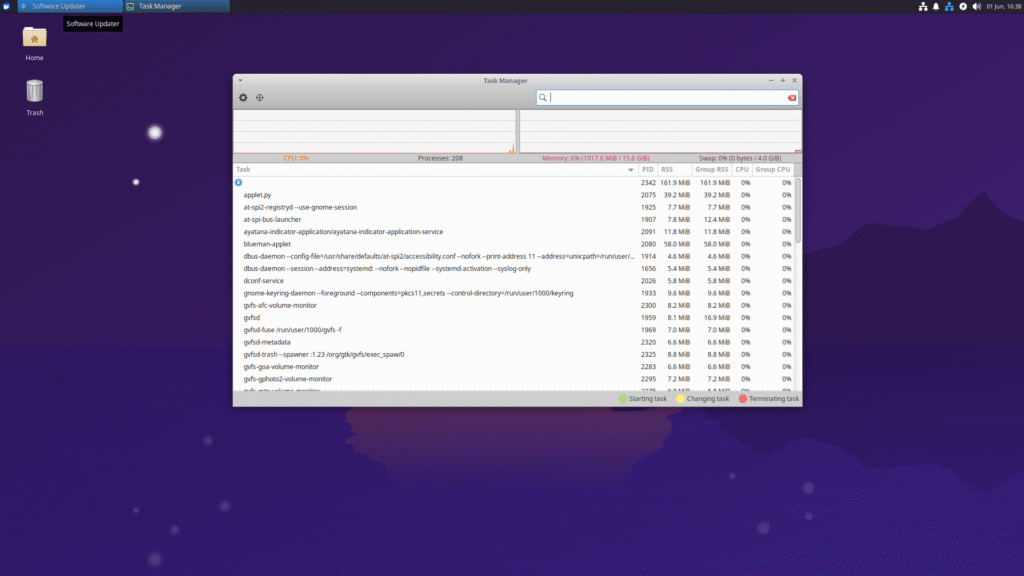
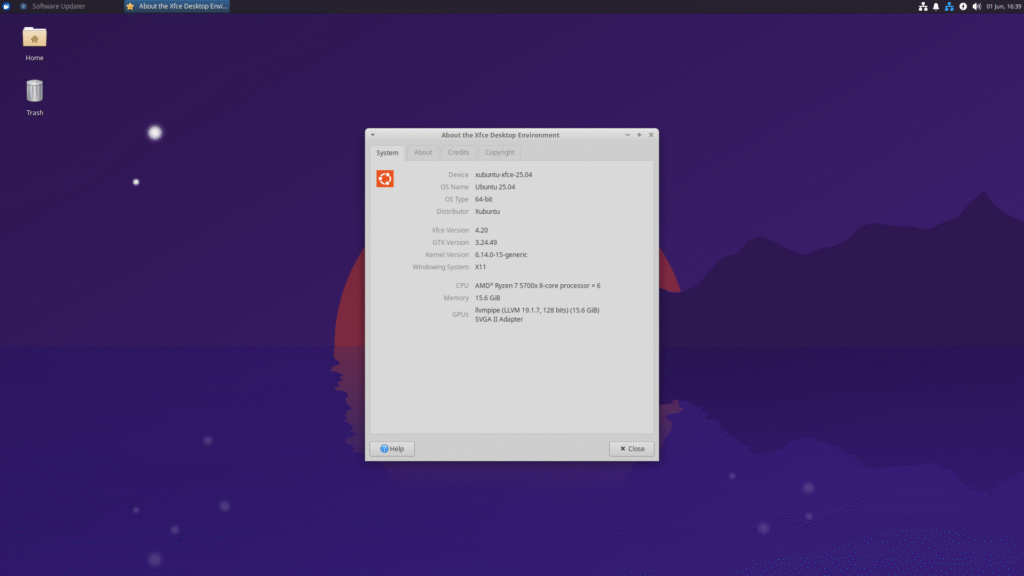
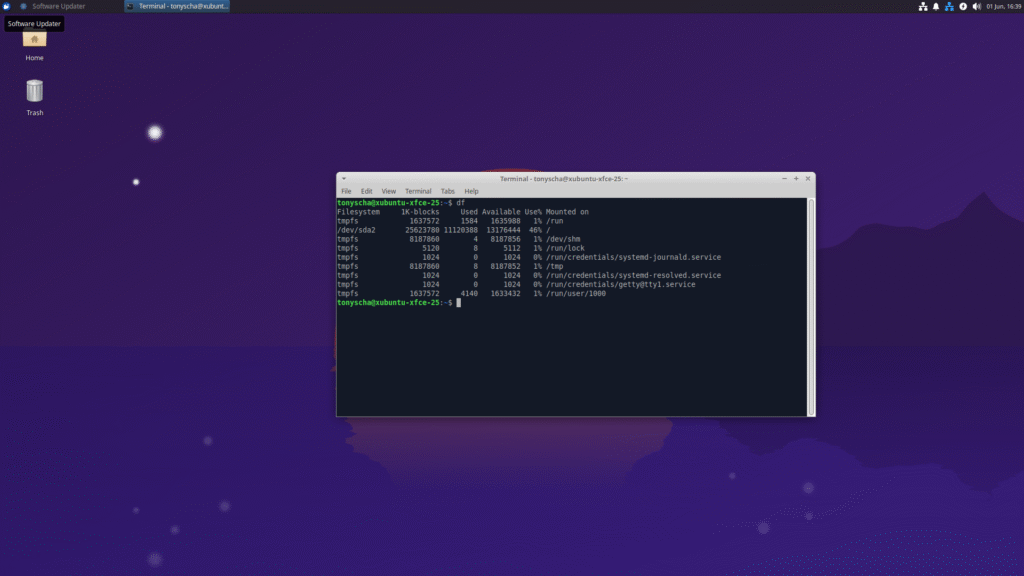
I ran some basic resource usage tests across the different distros and included screenshots to show how each one looks and performs out of the box. It’s a simple way to compare system load and desktop environments side by side, especially if you’re curious about how they stack up in terms of RAM usage and overall hard drive install footprint.
XFCE Distro Comparison
Best Overall
After testing each distro, Debian 13 with XFCE offers the best overall balance of performance, stability, and long-term support. It was consistently lightweight while maintaining the reliability Debian is known for.
Best for limited resources (RAM or CPU)
If you’re running older hardware or working with limited RAM, Debian, Manjaro, CachyOS, and Xubuntu performed the lightest in my testing. All four stayed lean at idle and felt responsive even with minimal resources.
Best for Server
For a lightweight server or lab environment, Debian is the clear winner. If you’re looking for alternatives, Fedora and Xubuntu also stand out thanks to their strong community support, reliable update cadence, and long-term stability.
Best for Visual Appearance
If aesthetics matter most, Manjaro, Xubuntu, and MX Linux deliver the most polished out of the box XFCE experience, with better visual defaults compared to the others.
Resource Stats Measurements
Note: All testing was done using Proxmox and with 4 Cores and 8 GB of RAM.
| Boot time 4 Cores and 8 GB of RAM | Memory Usage after startup | Disk Usage on Fresh install | Process Count after startup | |
| Alpine Linux v3.24 with xfce* | 10 Seconds | 458 MB | 1.1 GB | 146 |
| CachyOS 260809 | 22 Seconds | 739 MB | 6.39 GB | 171 |
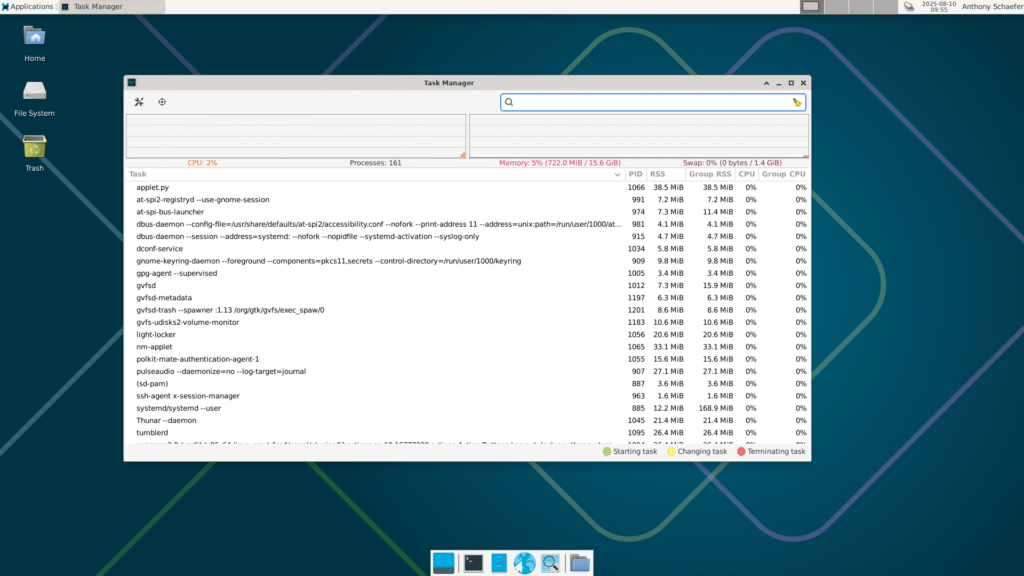
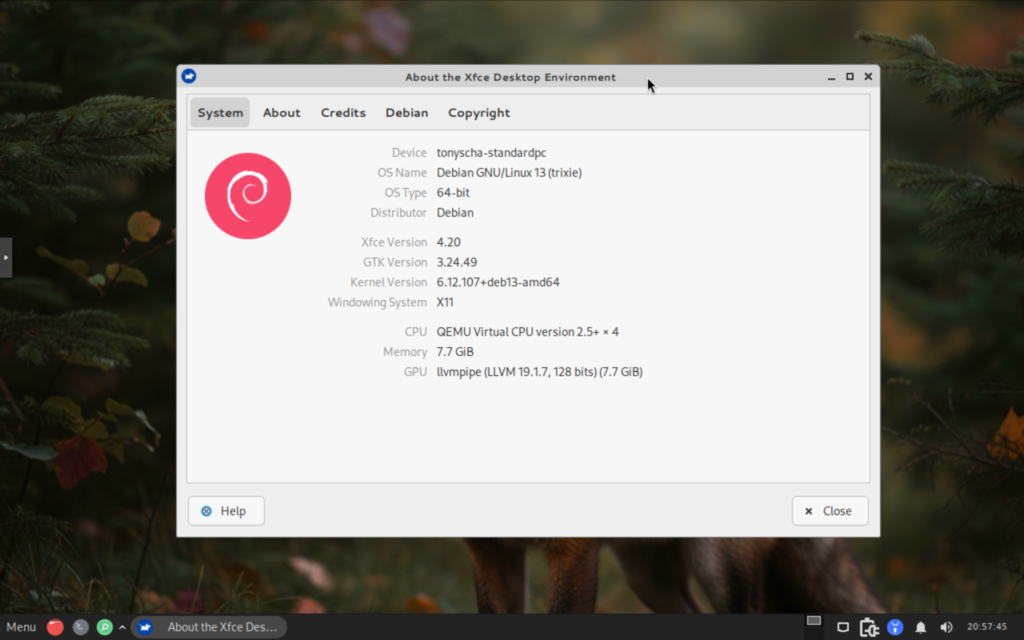
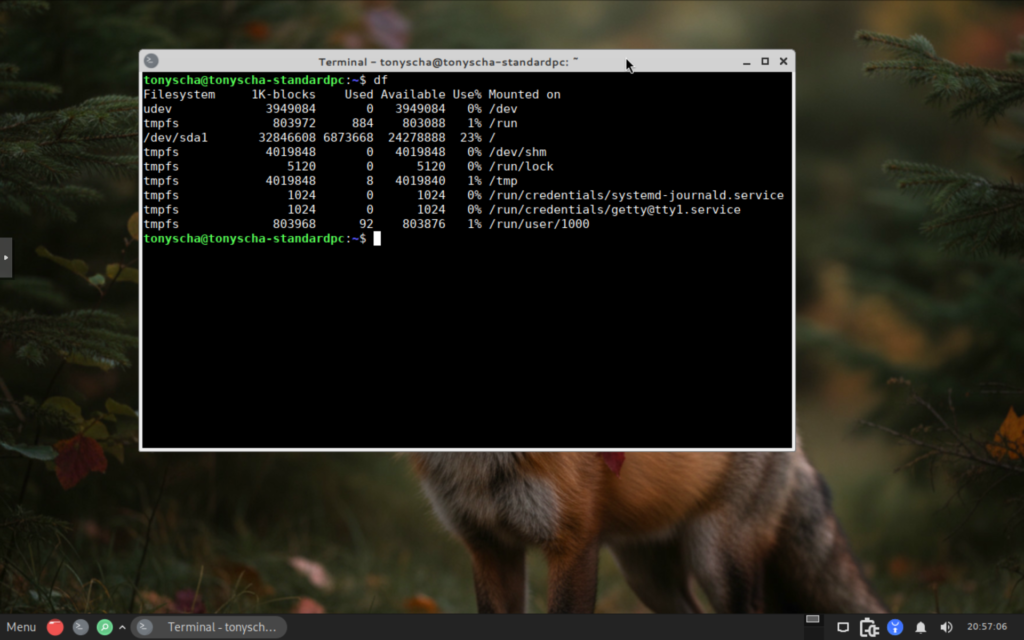
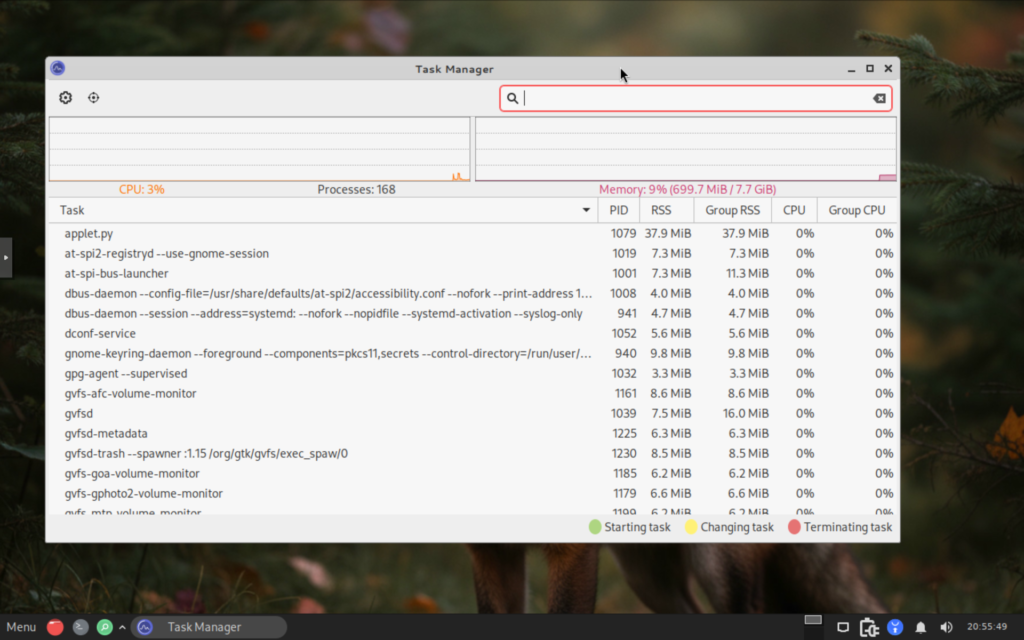
| Debian 13 | 17 Seconds | 557 MB | 4.1 GB | 149 |
| Fedora 43 | 21 Seconds | 1100MB | 4.2 GB | 196 |
| Fedora 44 | 20 Seconds | 1100 MB | 4.2 GB | 219 |
| Fedora 45 | 20 Seconds | 1100 MB | 4.4 GB | 216 |
| Kali Linux 2025.4 | 21 Seconds | 762 MB | 4.3 GB | 176 |
| Lite Lite 8.0 | 17 Seconds | 1000 MB | 8.3 GB | 193 |
| Linux Mint 22.1 | 16 Seconds | 840 MB | 9.6 GB | 187 |
| Manjaro 25.0.1 | 24 Seconds | 778 MB | 4.5 GB | 184 |
| MX Linux 23.6 | 23 Seconds | 947 MB | 10.4 GB | 187 |
| Peppermint OS (Trixie Based) | 19 Seconds | 611 MB | 6.76 GB | 161 |
| Xubuntu 24.04.05 LTE (Minimal Install) | 11 Seconds | 674 MB | 8.27 GB | 169 |
| Xubuntu 25.04 | 12 Seconds | 665 MB | 8.52 GB | 170 |
| Xubuntu 26.04.1 LTE (Desktop Install) | 14 Seconds | 890 MB | 12.3 GB | 187 |
| Xubuntu 26.04.1 LTE (Minimal Install) | 12 Seconds | 729 MB | 8.69 GB | 178 |
- Boot time: Very similar times across all of the distros
- Installation: Straight forward and similar for all of the distro
- Disk Usage: I was surprised at how large the disk install was for Xubuntu and how small it was for Fedora and Manjaro.
Note: I found adding more virtual machine cores didn’t effect the startup time.
Note: I excluded Alpine Linux as its a very customized OS and not a typical out of the box distro.
Visual Appearance and Impression
| Look and feel | Would I use this for a home server? | |
| CachyOS 251129 | 4 out of 5 | No |
| Debian 13 | 3 out of 5 | Yes |
| Fedora 45 | 3.5 out of 5 | Yes |
| Kali Linux 2025.4 | 3.5 out of 5 | No |
| Linux Lite 8.0 | 3.5 out of 5 | No |
| Linux Mint 22.1 | 3.5 out of 5 | No |
| Manjaro 25.0.1 | 5 out of 5 | No |
| MX Linux 23.6 | 4 out of 5 | No |
| Xubuntu 26.04 | 4.5 out of 5 | Yes Note: I would recommend the Long Term Support (LTS) version, which currently is 26.04 |
CachyOS

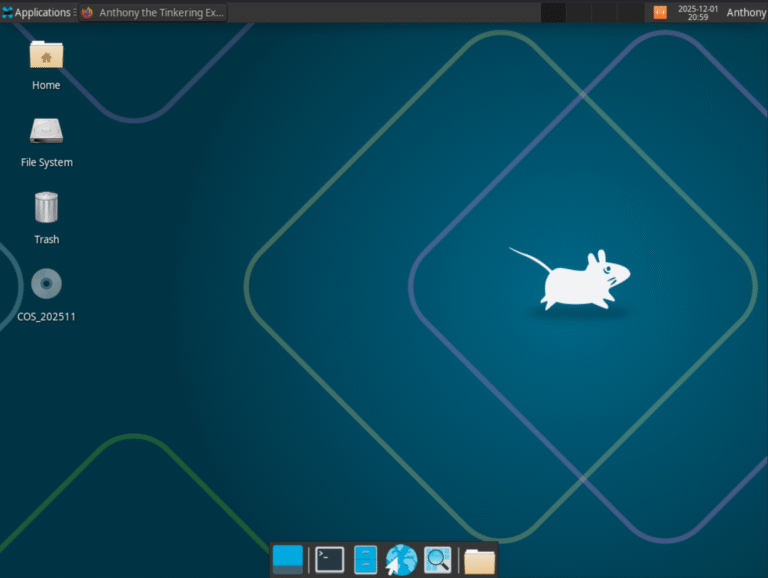
CachyOS is a newer Arch-based distro that’s getting noticed for being fast and responsive. The Xfce edition is clean and minimal, so it’s easy to use right away but still lets you customize how you want. With performance-focused kernel tweaks, rolling updates, and fast package management through Octopi or the CachyOS Package Installer, it’s a solid pick if you want a lightweight but powerful Xfce desktop. Whether you’re used to Arch or just want a fast, polished Xfce setup, CachyOS delivers a smooth experience.


CachyOS Resources
- Official Website: https://cachyos.org/
- Community Forums: https://discuss.cachyos.org/
- Detailed Review: https://akschaefer.com/cachyos-review-november-2025/
Debian 13 (Updated)
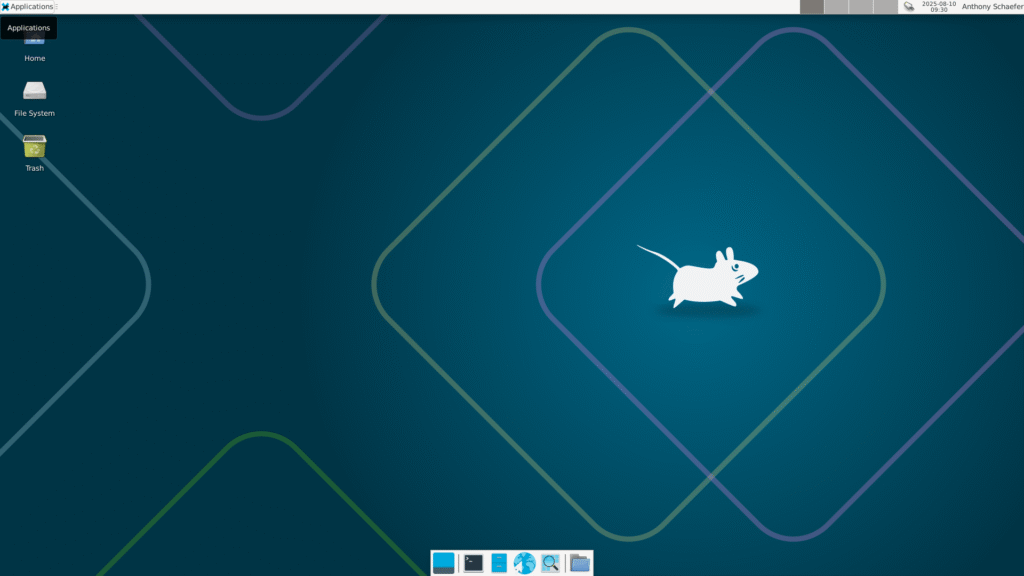
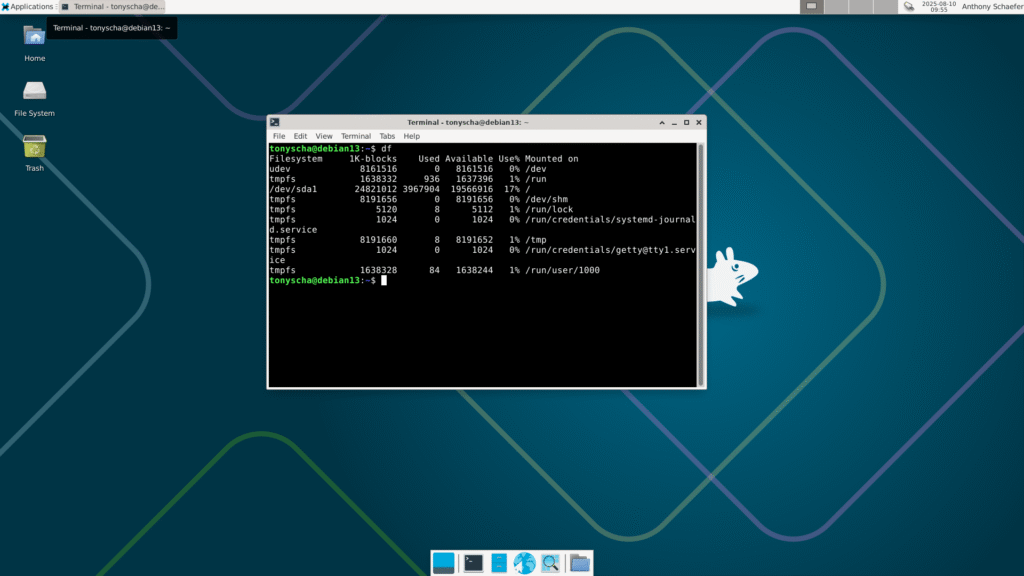
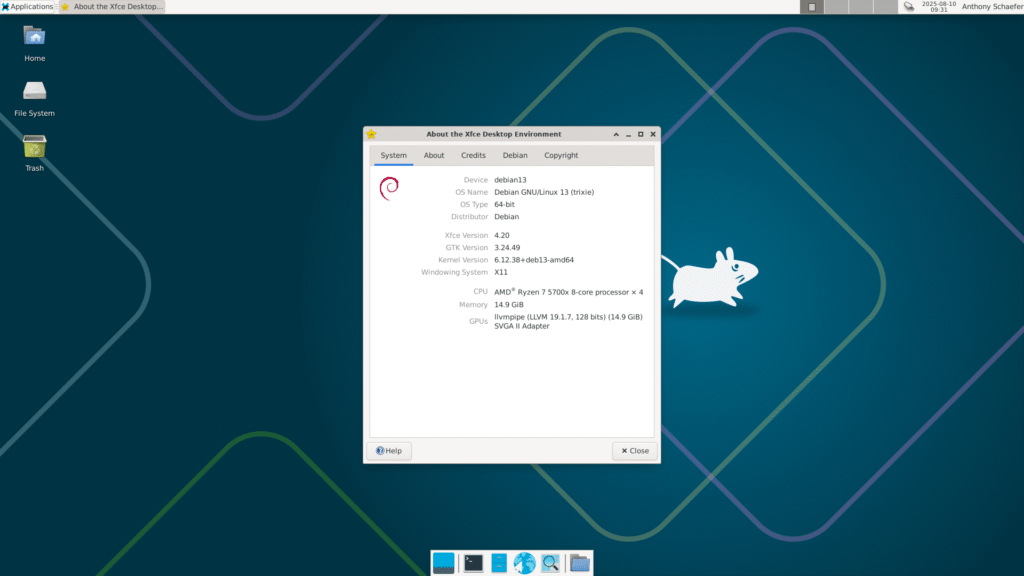
Debian is one of the oldest and most reliable Linux distros out there. Many of the popular distros out there are based on Debian, including Ubuntu (and Xubuntu). Out of the box, it’s simple and reliable however its configurable so you can make it customized for you.
The net-install allows you to select which desktop environment and even a minimum install. I have a 2 core 1.5GB virtual machine setup on unraid running unifis controller software without any issues.
Debian Resources
- Official Website: https://www.debian.org/
- Community Forums: https://forums.debian.net/
- Detailed Review: https://akschaefer.com/debian-13-review/
Fedora

I haven’t used Fedora since the first releases (e.g. 2004 to 2006). I know Fedora is a solid distro, and being based on Red Hat, you get the latest software along with near enterprise level release stability. Using the Fedora spin Xfce version the desktop looks sharp and it’s fast. I did notice that Fedora 43 is a little slower and more resource intensive then Fedora 42. With having its enterprise heritage Fedora might be a good fit for you. Check out my Fedora 43 Review here.


Fedora Resources
- Official Website: https://fedoraproject.org/
- Community Forums: https://discussion.fedoraproject.org/
- Detailed Review: https://akschaefer.com/fedora-45-review/
- Detailed Review: https://akschaefer.com/fedora-43-review/
Kali Linux
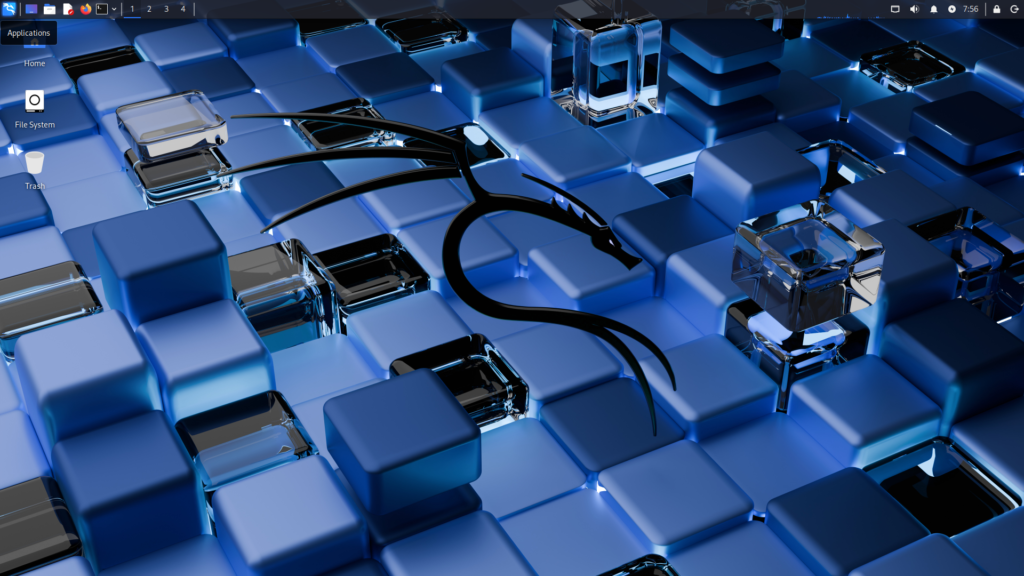
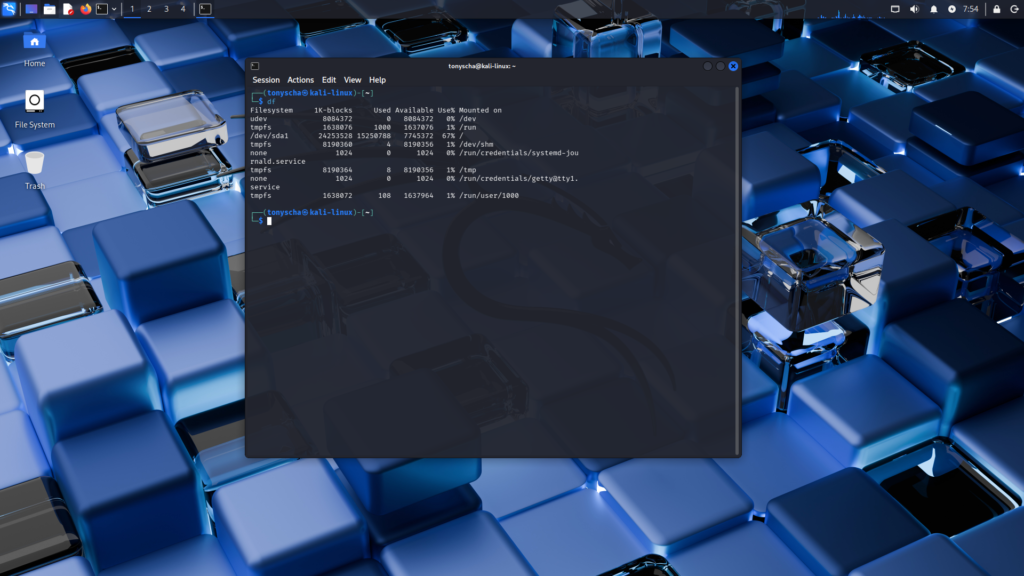
Kali Linux is a specialized Linux distribution focused on security-related tasks such as penetration testing, security research, and other cybersecurity work. It uses the Xfce desktop environment by default, which is why it is included in this list. There are plenty of helpful YouTube videos and articles available if you want to learn how to use Kali effectively. Out of the box, it comes preloaded with a wide range of security tools and scripts designed for testing and research.
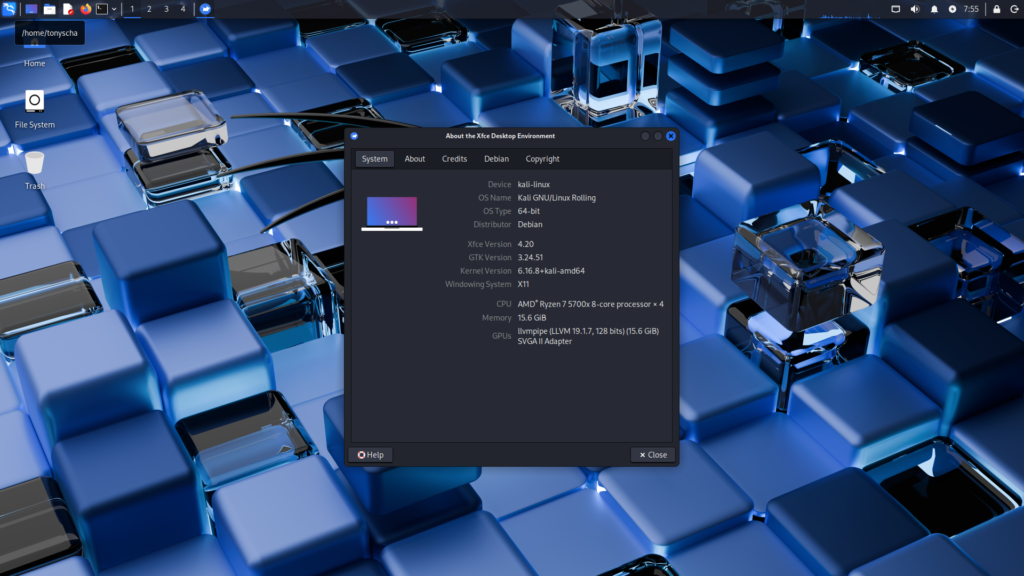
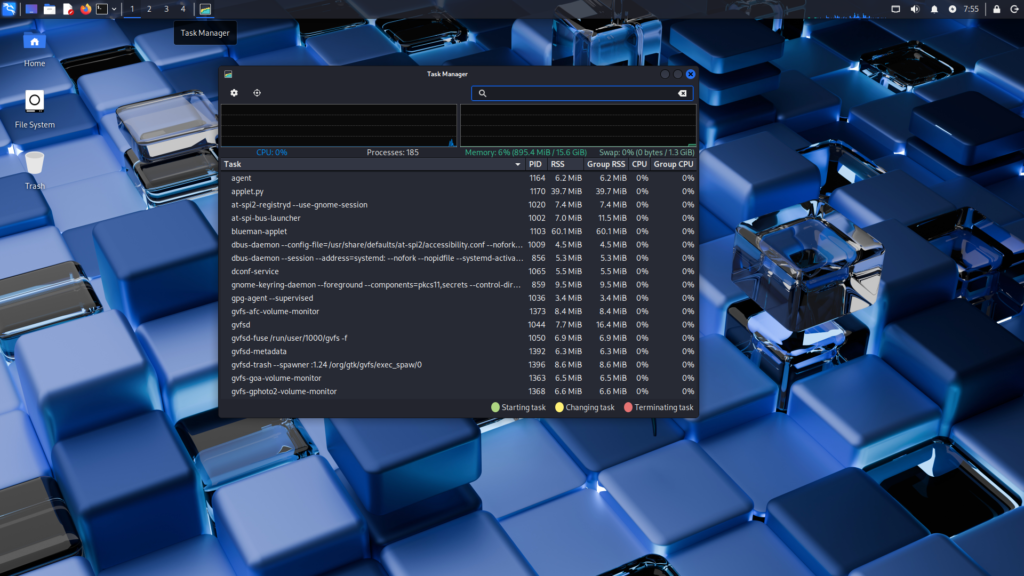
Because Kali Linux is purpose-built for security work, I would not recommend it for everyday desktop or server use. That said, the GUI felt fast and responsive during testing, and memory usage at startup was minimal. Disk usage was the highest of all the distributions tested, but I selected the default installation with most tools included. You can reduce the storage footprint by deselecting packages during installation.
Kali Linux Resources
- Official Website: https://www.kali.org/
- Community Forums: https://forums.kali.org/
- Detailed Review: https://akschaefer.com/kali-linux-2025-4-review/
Linux Lite
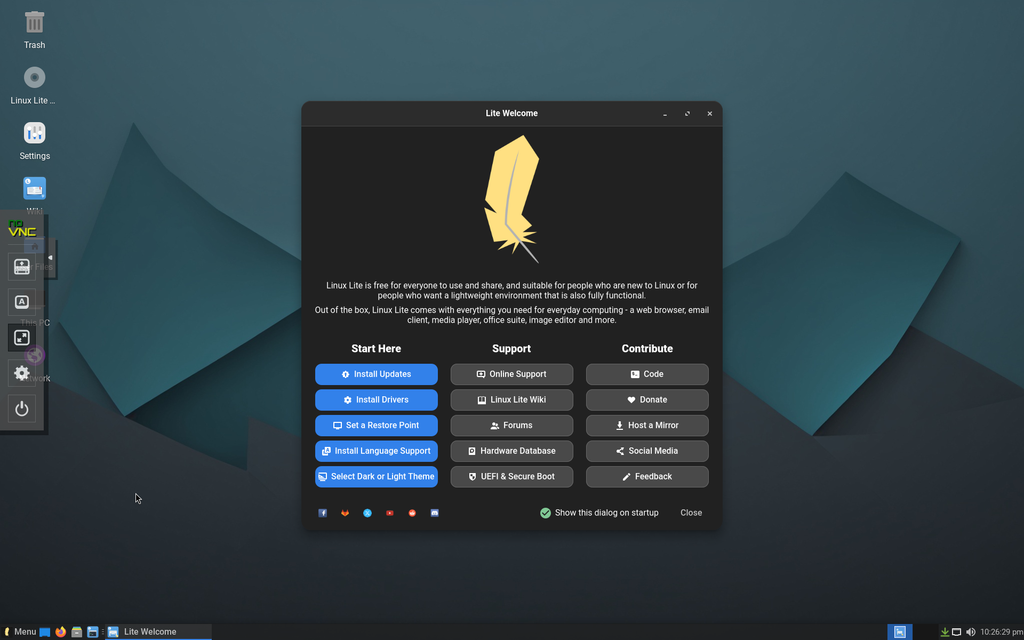
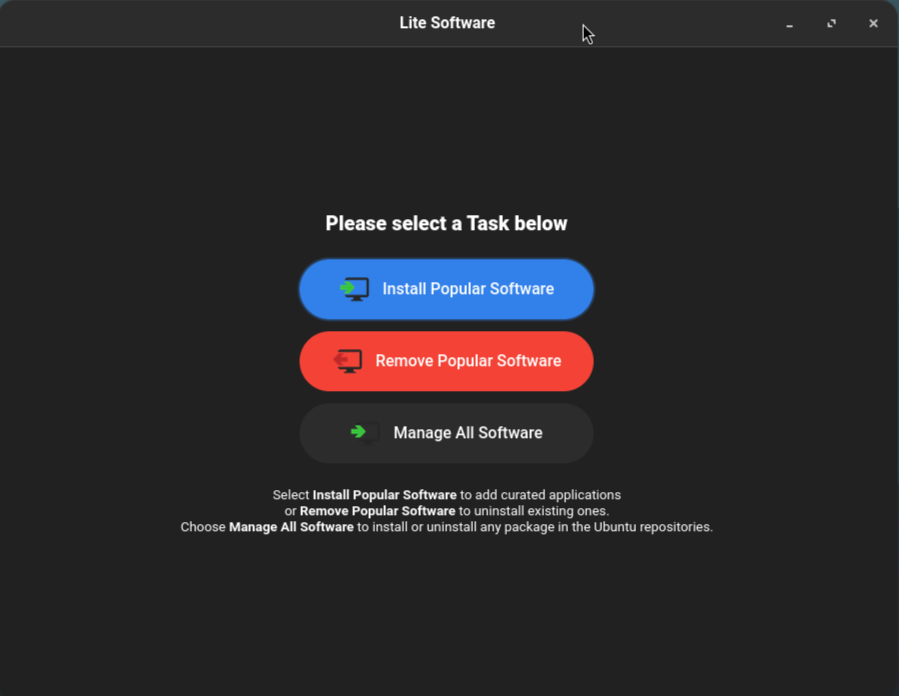
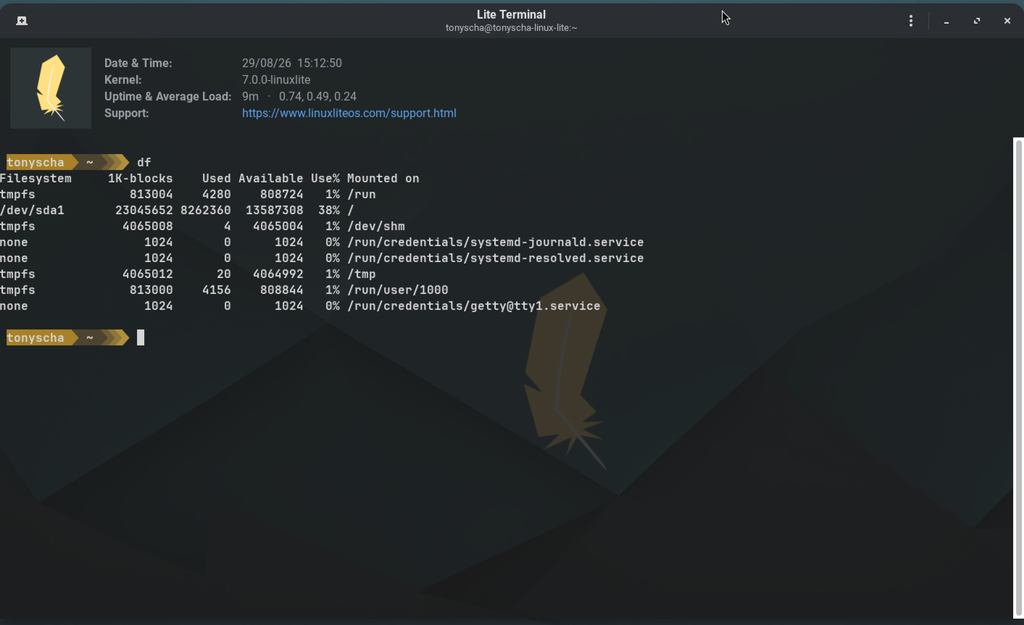
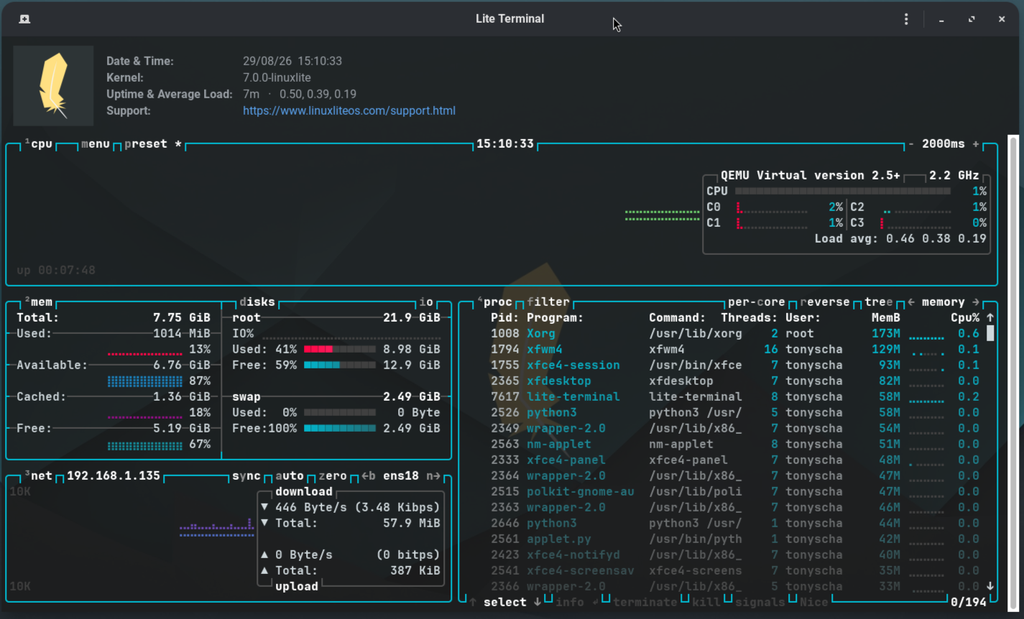
Linux Lite 8.0 is a lightweight Xfce-based distro with a clean, minimal desktop and a good selection of software included out of the box. Firefox, Thunderbird, LibreOffice, GIMP, and VLC are included, while the Popular Software section makes it easy to install additional applications. I also liked some of the custom touches, particularly the Terminal Emulator and System Monitor, which add some personality without going overboard.
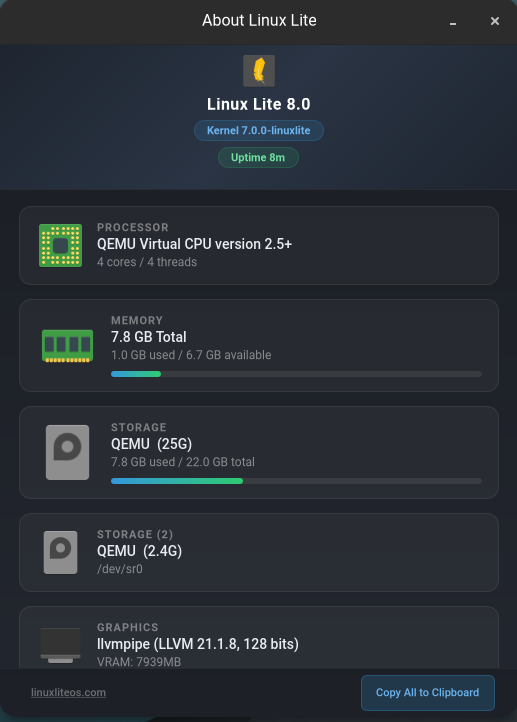
While Linux Lite is lightweight, its resource usage is comparable to other Xfce distros like Debian and Xubuntu, so it isn’t necessarily the most minimal option available. I also found the overall GUI wasn’t quite as polished as Debian or Fedora. Still, Linux Lite offers a straightforward, beginner-friendly desktop with useful customizations and plenty of software, making it a solid option for anyone looking for a simple Xfce experience.
Linux Lite Resources
- Website: https://www.linuxliteos.com
- Community Forum: https://www.linuxliteos.com/forums/
- Detailed Review: https://akschaefer.com/linux-lite-8-0-review/
Linux Mint
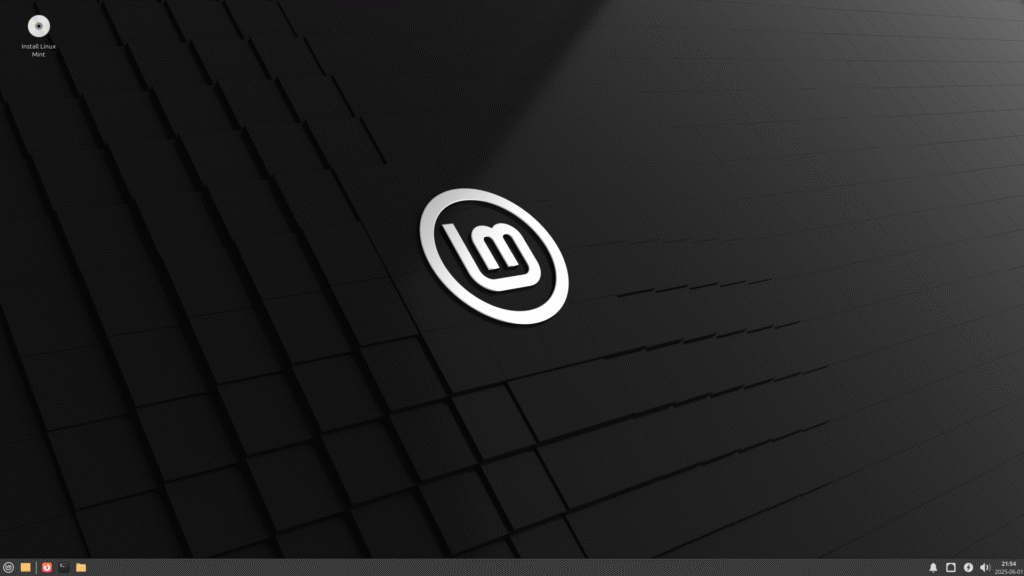
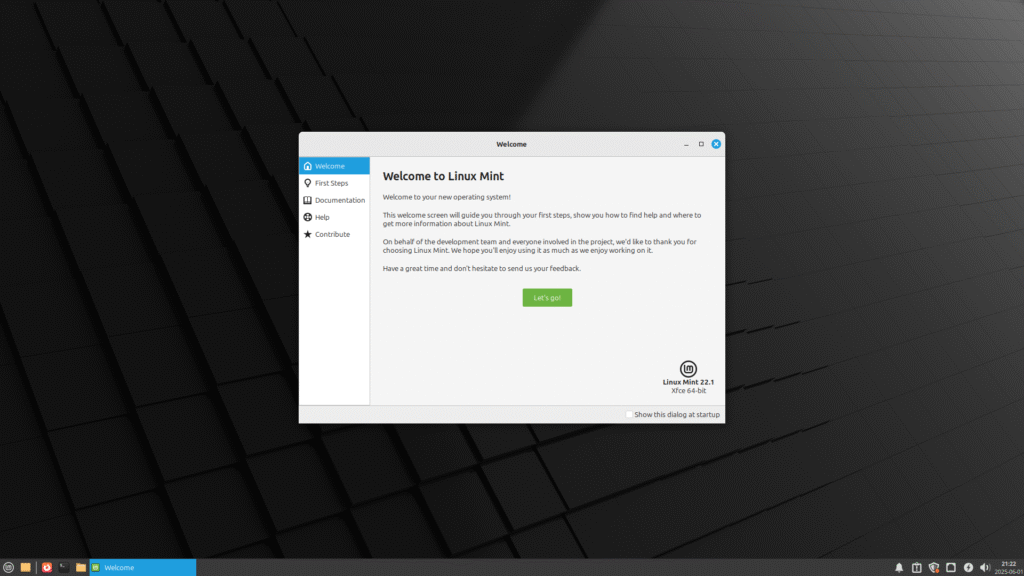
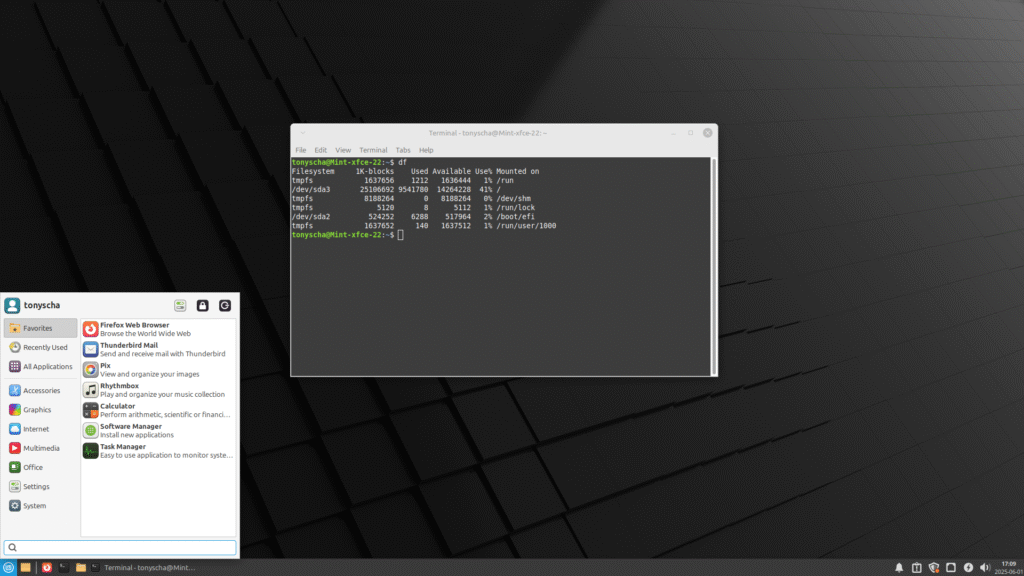
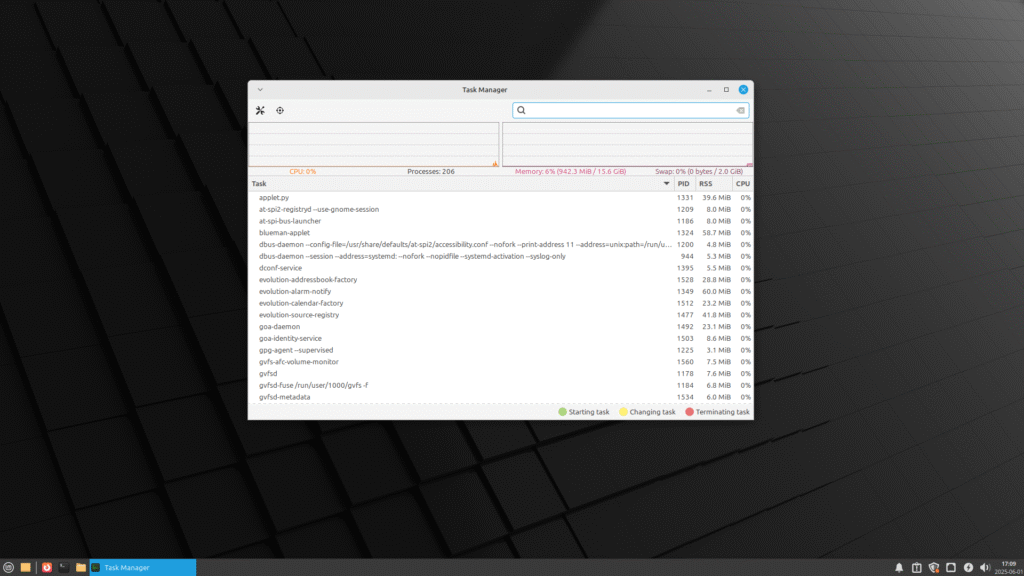
Linux Mint is a user-friendly, beginner-focused distro that’s built on top of Ubuntu (or Debian, depending on the edition) and designed to feel familiar, especially for people coming from Windows. The most popular desktop environment is Cinnamon desktop, however today we are testing Xfce. It’s known for being stable, lightweight, and efficient, and it handles everyday tasks like web browsing, media playback, and office work with no fuss. Updates are straightforward, the system is easy to maintain, and the Mint community is active and helpful, making it a great option if you want a no-drama Linux experience that just works.
Linux Mint Resources
- Official Website: https://www.linuxmint.com
- Community Forums: https://forums.linuxmint.com/
Manjaro
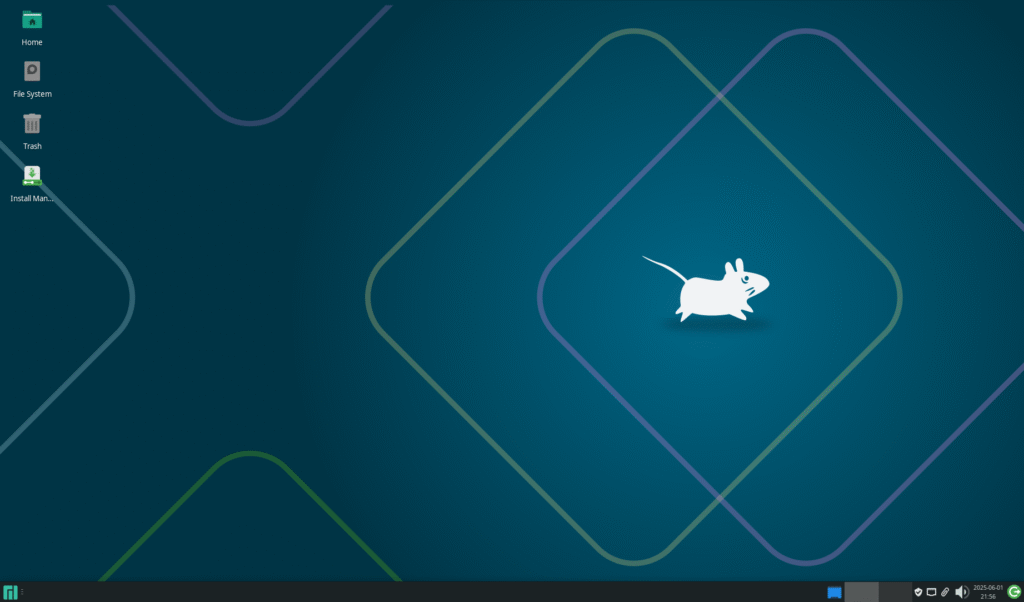
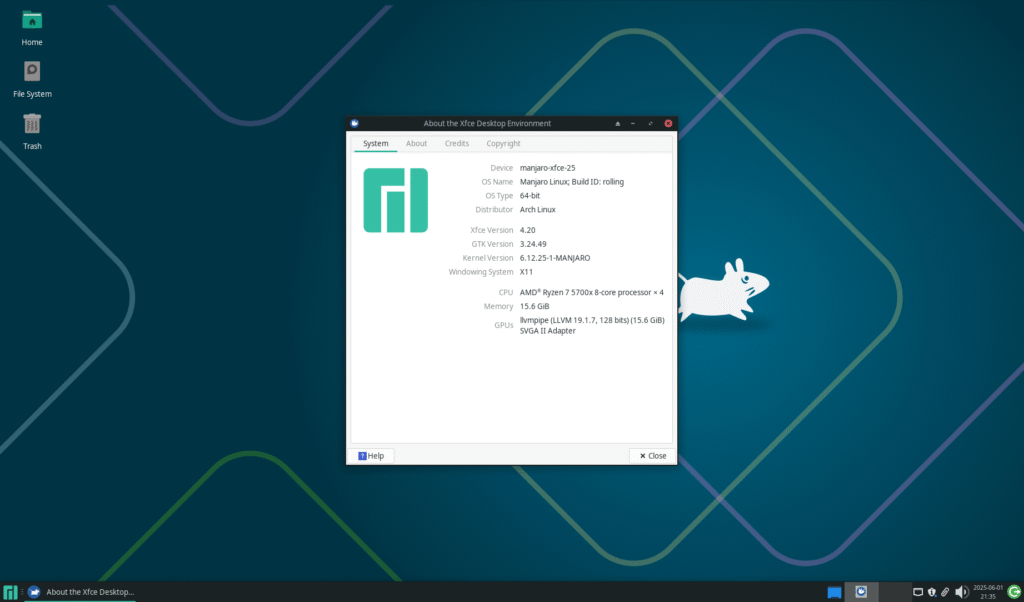
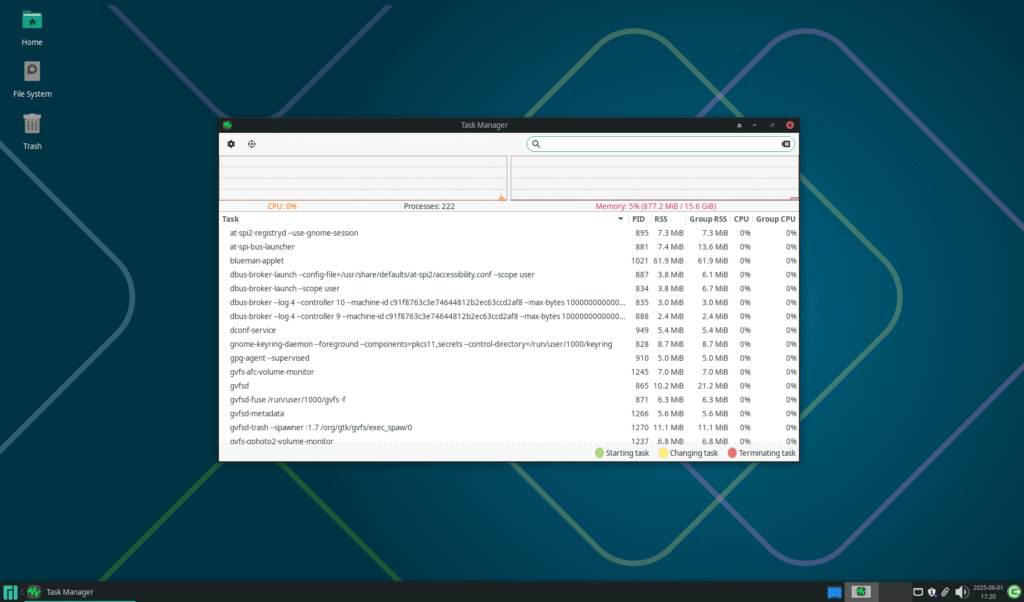
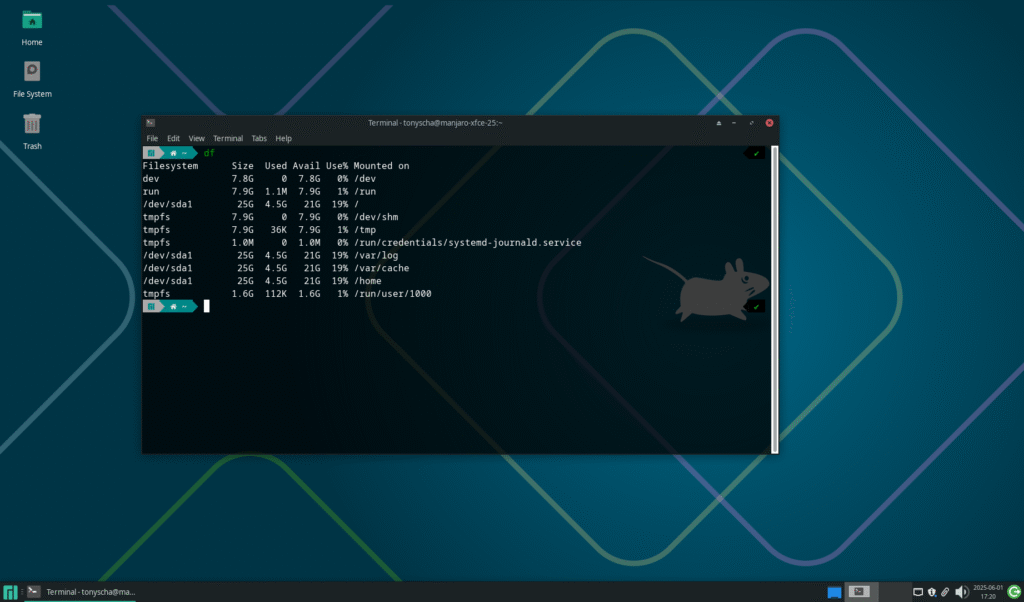
Manjaro Linux Arch-based distro that gives you much of the power and flexibility of Arch, but in a way that is still user-friendly. Being based off Arch, Manjaro is a rolling-release system, which means you get access to the latest software and features without having to do major upgrades. Manjaro strikes a nice balance between power and usability. Almost all of the installs were exactly the same, but Manjaro had one extra step to configure if you wanted to install an Office Suite and had the option of No Office Suite, LibreOffice, or FreeOffice.

Manjaro Resources
- Official Website: https://manjaro.org
- Community Forums: https://forum.manjaro.org/
MX Linux
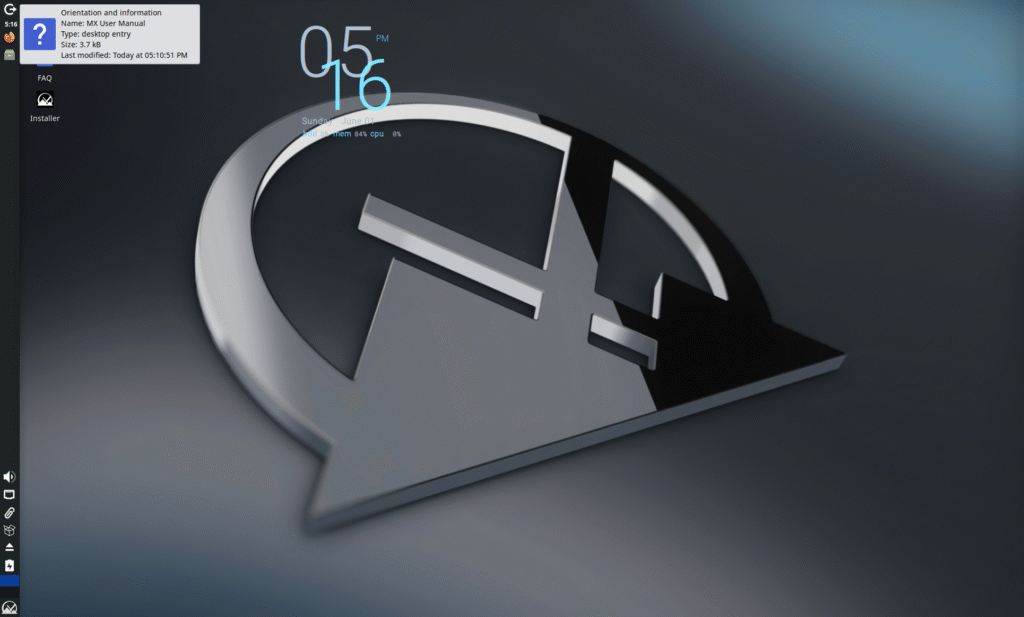
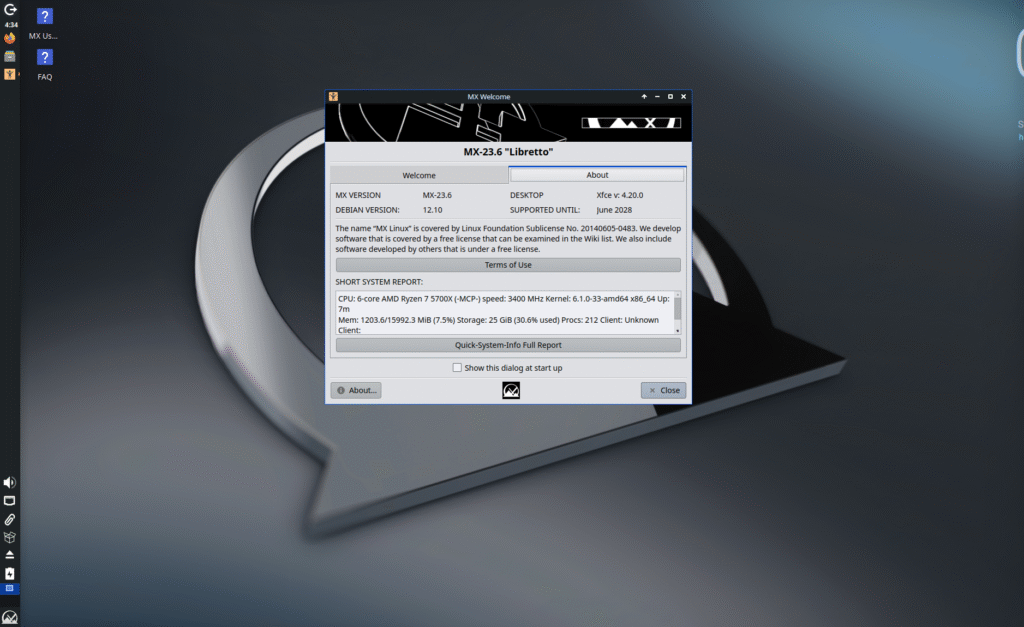
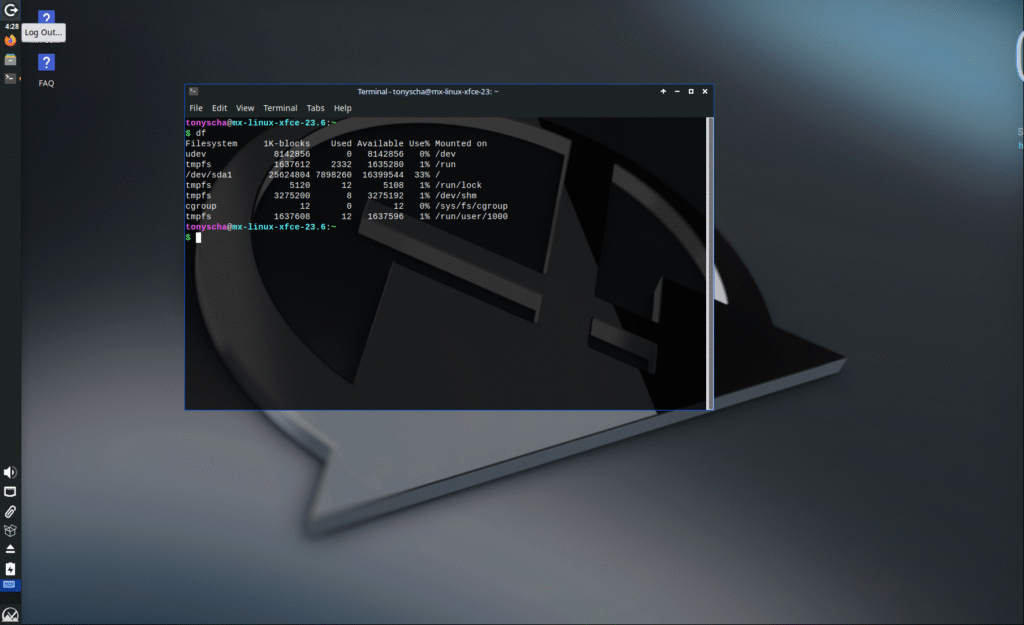
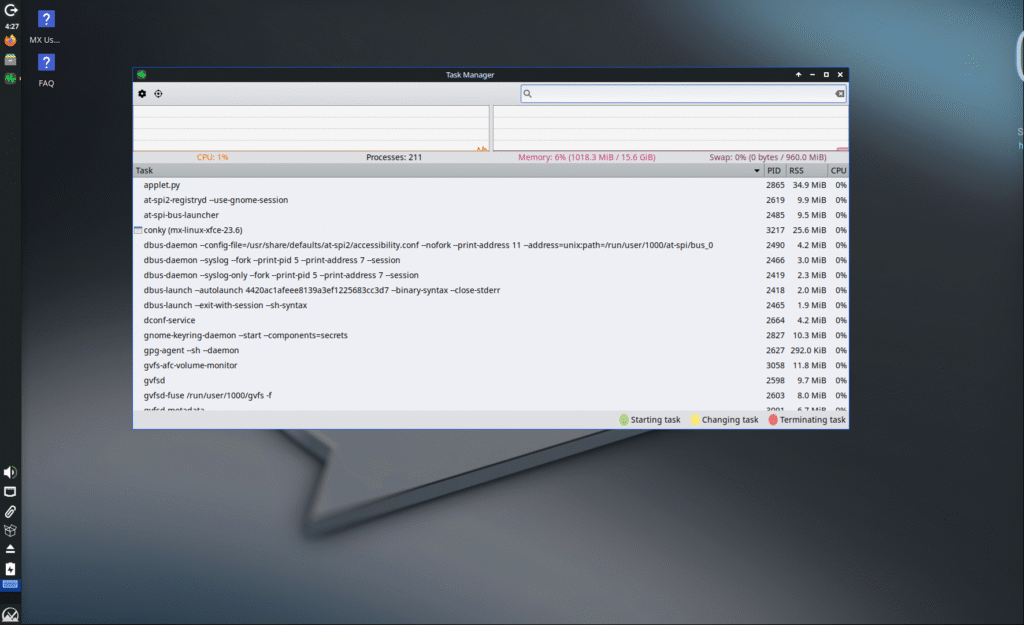
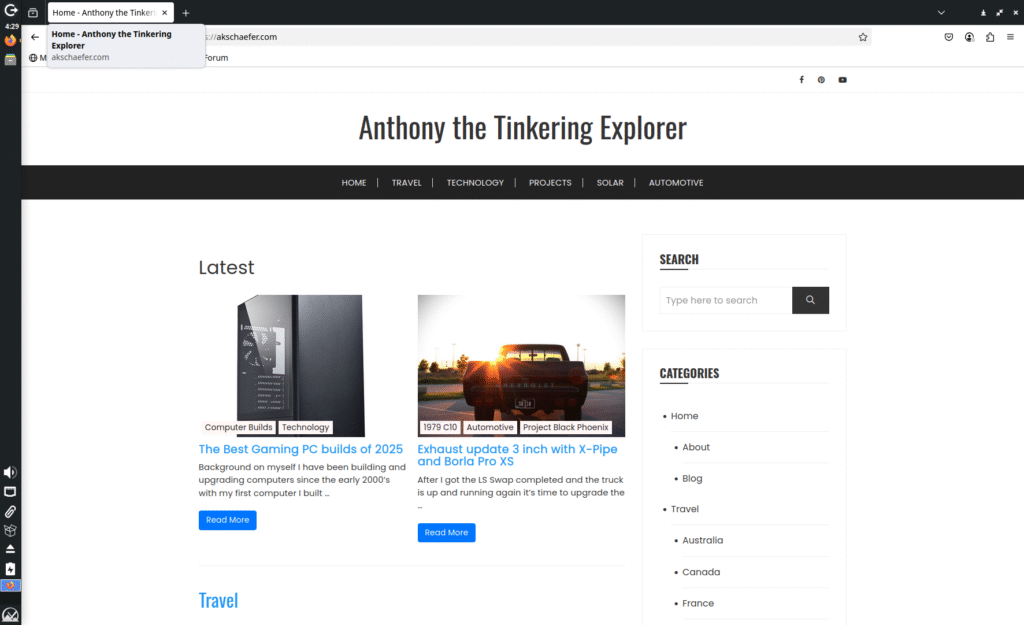
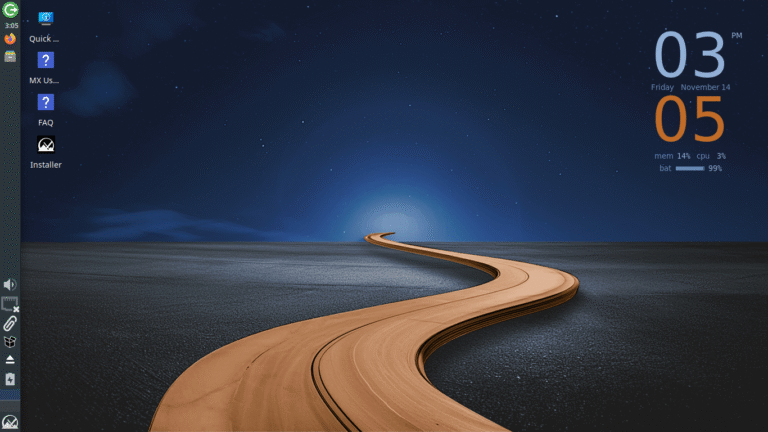
MX Linux is a lightweight, Debian-based distro that focuses on stability, efficiency, and simplicity. Out of the distro’s tested here, MX Linux is the only distro that Xfce is the default/flagship desktop environment. Whether you’re looking for a reliable daily driver or a distro to revive an old laptop, MX Linux delivers a solid, no-nonsense experience right out of the box. I was really excited when MX Linux was released knowing it a collaborative effort with the old MEPIS community which was a distro I use to use in collage.
I did have some small issues when resizing virtual box windows size, it seemed to cause MX Linux to hang for a few seconds, unsure if this is some type of driver issue or something else. If installing on bare metal, this would not be an issue.
MX Linux Resources
- Official Website: https://mxlinux.org
- Community Forums: https://forum.mxlinux.org/viewforum.php?f=104
- Detailed Review: https://akschaefer.com/mx-linux-25-infinity-review/
Peppermint OS
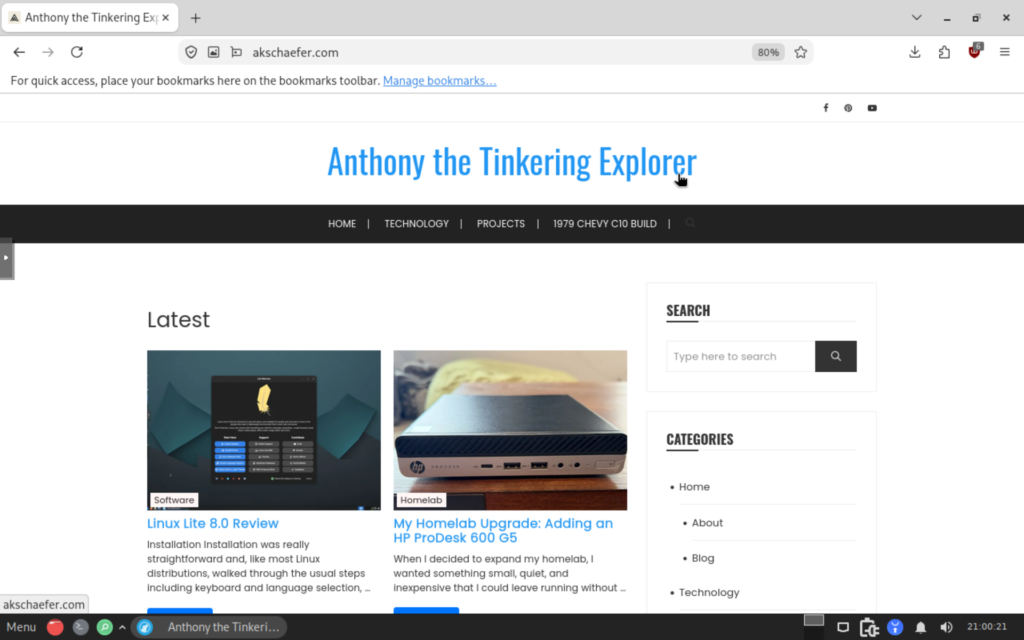
Peppermint OS is a lightweight Debian-based Xfce distro that takes a minimalist approach. It comes with very few applications installed by default, giving you a clean starting point while still providing access to Debian’s software repositories and Synaptic Package Manager. I also really like the customized Xfce look, which helps Peppermint OS stand out from many of the other Xfce distros I’ve tested.
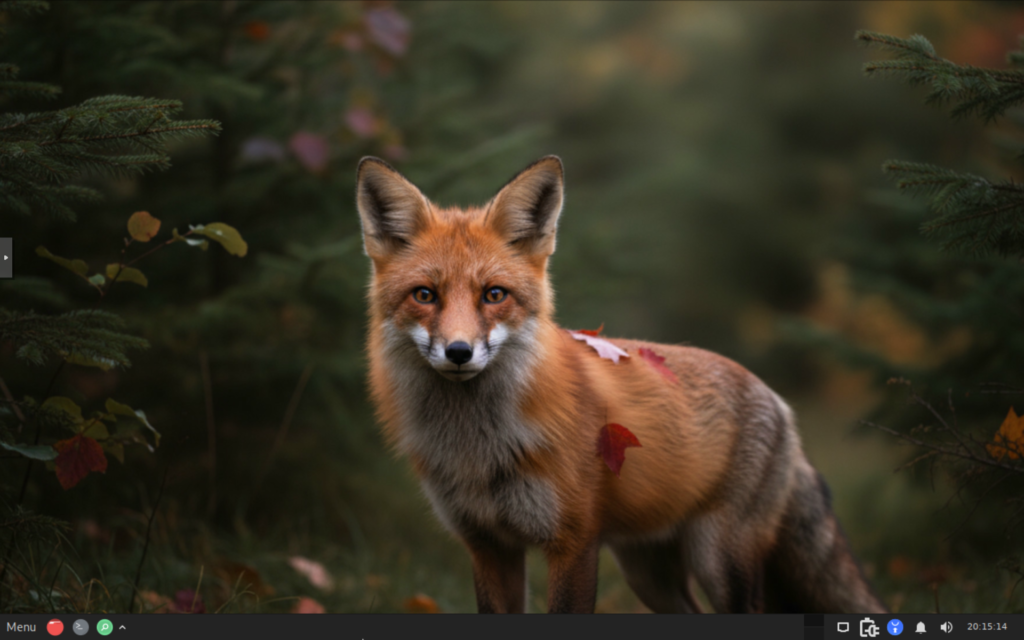
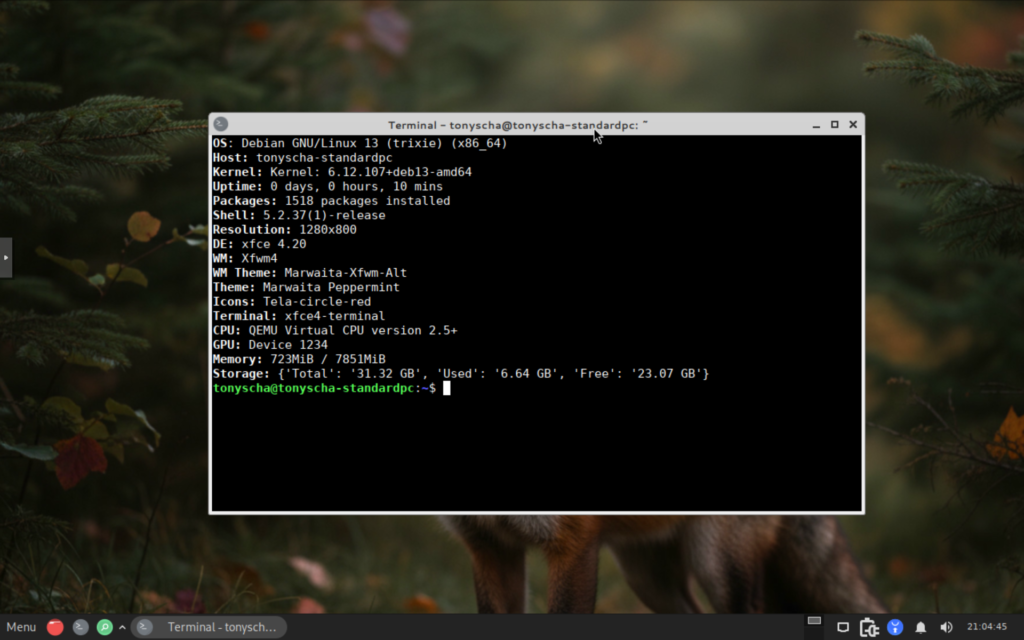
With around 600 MB of RAM and 1% CPU usage at idle, Peppermint OS is one of the most lightweight Xfce distros I’ve tested. The tradeoff is that you’ll need to install some applications yourself, but if you prefer a clean system that you can build around your own needs, Peppermint OS is definitely worth considering.
Peppermint OS Resources
- Website: https://peppermintos.com/
- Community Support: https://sourceforge.net/p/peppermintos/pepos/
- Detailed Review: https://akschaefer.com/peppermint-os-review/
Xubuntu
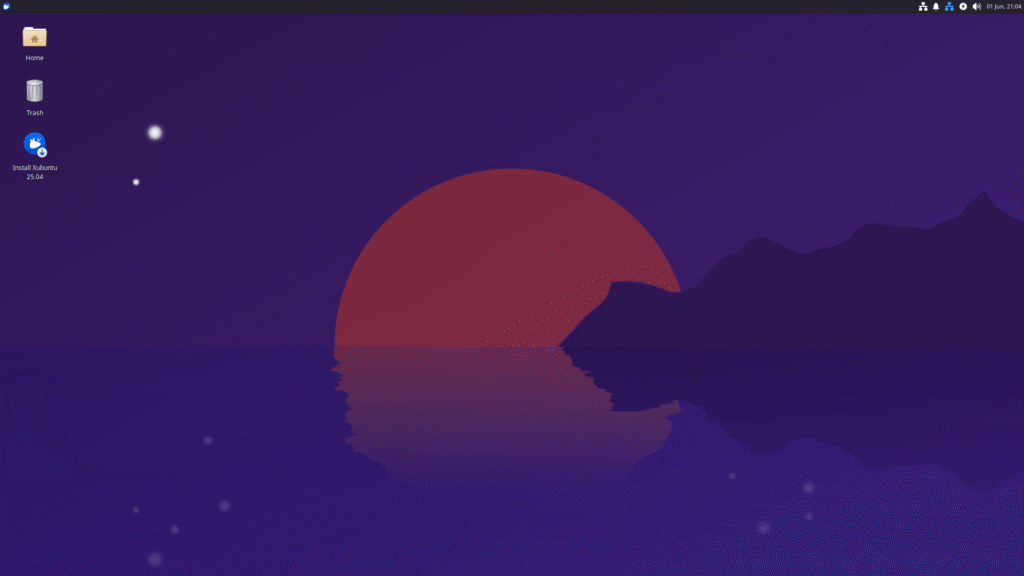
Xubuntu is a lightweight, Ubuntu-based distro that uses the Xfce desktop environment to keep things fast, simple, and efficient without sacrificing usability. Since it’s built on Ubuntu, you get access to a massive software library, solid hardware compatibility, and regular updates. Xubuntu by default strips away the heavier parts of the full Ubuntu experience and during installation Xubuntu had a minimal install mode as well. For the sake of this test I used the standard desktop install to keep it consistent.
I have used Xubuntu as my operating system on two servers for multiple years now and highly recommend it.
Learn more and download here:
Xubuntu Resources
- Official Website: https://xubuntu.org/
- Community Forums: https://discourse.ubuntu.com/c/flavors/xubuntu/196
Additional Xfce Distros on My Radar
I had a few Xfce distros recommended to me that I wanted to mention, even though I haven’t had the time to do a full test run with them yet. They’re still on my radar, and I’m hoping to dig into them in a future round of testing.
Conclusion
Based on the background I know of each of these distros, here is my short recommendation list if you are loAfter testing each of these XFCE distros side by side, the differences are smaller than you might expect. Performance across the board was solid, and XFCE continues to prove why it remains one of the best lightweight desktop environments available.
If you want the safest overall choice, Debian remains the most balanced option in terms of stability, resource usage, and long-term support. That said, each distro brings something slightly different to the table, whether it’s rolling updates, visual polish, or beginner-friendly defaults.
At the end of the day, you really can’t go wrong with any of these. The best XFCE distro is the one that fits your hardware and workflow.
Additional Linux Reviews
Fedora 45 Review
Peppermint OS Review: Lightweight, Minimalist, and Customizable
Linux Lite 8.0 Review
Kali Linux 2025.4 Review
CachyOS Review November 2025: Installation, Features, and Why This Arch Distro Stands Out
I’m looking into other options for possible future use since the developer of the Tint2 panel has ceased development. I currently use the Openbox window manager and the Tint2 panel to create a desktop-like environment.
I thought XFCE might be an option. However, the one thing I detest about XFCE is that the workspaces in the panel do not show you what is open on them. You have to navigate to a specific workspace to see what’s open under them. That’s one thing I really like about the Tint2 panel. I can see everything that I’ve opened under each workspace at a quick glance.
Do you know of any way to change the look of the workspaces in the XFCE panel?
OpenSUSE has a great XFCE desktop. I love it, I love it so much it moved me off of Debian based stuff and into SUSE when I’m not hopping to see what the other distros are doing. It’s my new home base. I think it’s one of the best implementations of the DE that I’ve seen in awhile, certainly like Xubuntu in terms of clean look and feel.
Thanks for the suggestions, I will have to check it out and add it to the list.
After LXDE-based LXLE was discontinued, I searched for alternatives for my very old HP Probook 4640b (from 2012^^, but it runs wonderful). Turned out that I could not change some BIOS settings, and there was no update, and as a consequence (or because of additional reasons, I am no Linux pro) most distros I tried led to a “no OS installed” after the successful installation of the respective Live ISOs (Bodhi Linux, Xubuntu etc).
For some reason, Debian 13 XfCE worked and runs great, as does Q4OS trinity and Bunsenlabs. So I am very satisfied with XFCE in this setup, and just will have to learn why many other distros lead to a “no OS installed” on a single boot Linux HP.
At times it is fun to try different distros, and after I will have learned what the problem is – I might try quite some of your list. Thank you!
I am happy that you were able to get some recommendations from my list. There is so many different distros out there and I hope to continue adding to my list as well.