Choosing the right hardware for OPNsense is one of the most important steps when building a reliable firewall or router. The hardware you run OPNsense on affects performance, power consumption, noise, expandability, and long-term stability.
This guide focuses specifically on OPNsense hardware recommendations, covering the most common and practical options available today. That includes mini PCs, DIY builds using older computers, official OPNsense appliances, and virtualized setups. Each option has trade-offs depending on your internet speed, feature requirements, and budget.
I’ve been running OPNsense on dedicated hardware for several years and have tested multiple setups in real-world home and small office environments. In this post, I’ll break down what works well, what to avoid, and how to choose the best OPNsense hardware for your needs without overbuying.
Minimum Requirements
First lets start with what are the minimum requirements as provided by OPNsense when choosing hardware, which is listed on their website here:
| Minimum | Reasonable | Recommended | |
| CPU | 1 GHz dual-core CPU | 1 GHz dual-core CPU | 1.5 GHz multi-core CPU |
| RAM | 3 GB | 3 GB | 8 GB |
| Disk Space | 4 GB (see notes on OPNsense website) | 40 GB SSD, a minimum of 3 GB memory is needed for the installer to run. | 120 GB SSD |
Hardware Recommendations
This section focuses specifically on hardware recommendations for OPNsense, whether you’re building your own setup or buying a ready-made solution. That includes compact mini PCs designed for low power usage, repurposed desktops with added NICs, official appliances if you prefer fully supported hardware, or no hardware and just virtualized.
Each option comes with its own pros and cons, depending on your budget, power efficiency goals, and how much performance headroom you need.
Mini Computer Options
Most mini PCs with Intel Celerons or Intel N-series processors at most can realistically handle between 1Gb and 2.5Gb of throughput for basic firewall and routing tasks. For a typical home setup running standard NAT and firewall rules, 8GB of RAM is usually more than enough.
However, once you start enabling IDS/IPS, running VPN services, or adding multiple VLANs and heavier traffic inspection, CPU usage becomes more important. In those cases, stepping up to a stronger processor and 16GB of RAM gives you more headroom and helps avoid bottlenecks.
I really like the mini computer solution and its what I actually went with when I built my opnsense router in 2023. I like them because they are low power dedicated device that typically contain 2 to 5 Ethernet ports.
The key is sizing your hardware based on what you actually plan to run, not just your internet speed. You want a CPU powerful enough to handle your expected throughput and any additional services like VPN or IDS, but not something that draws excessive power at idle. Another important factor is Ethernet compatibility, as not all NICs work equally well with OPNSense.
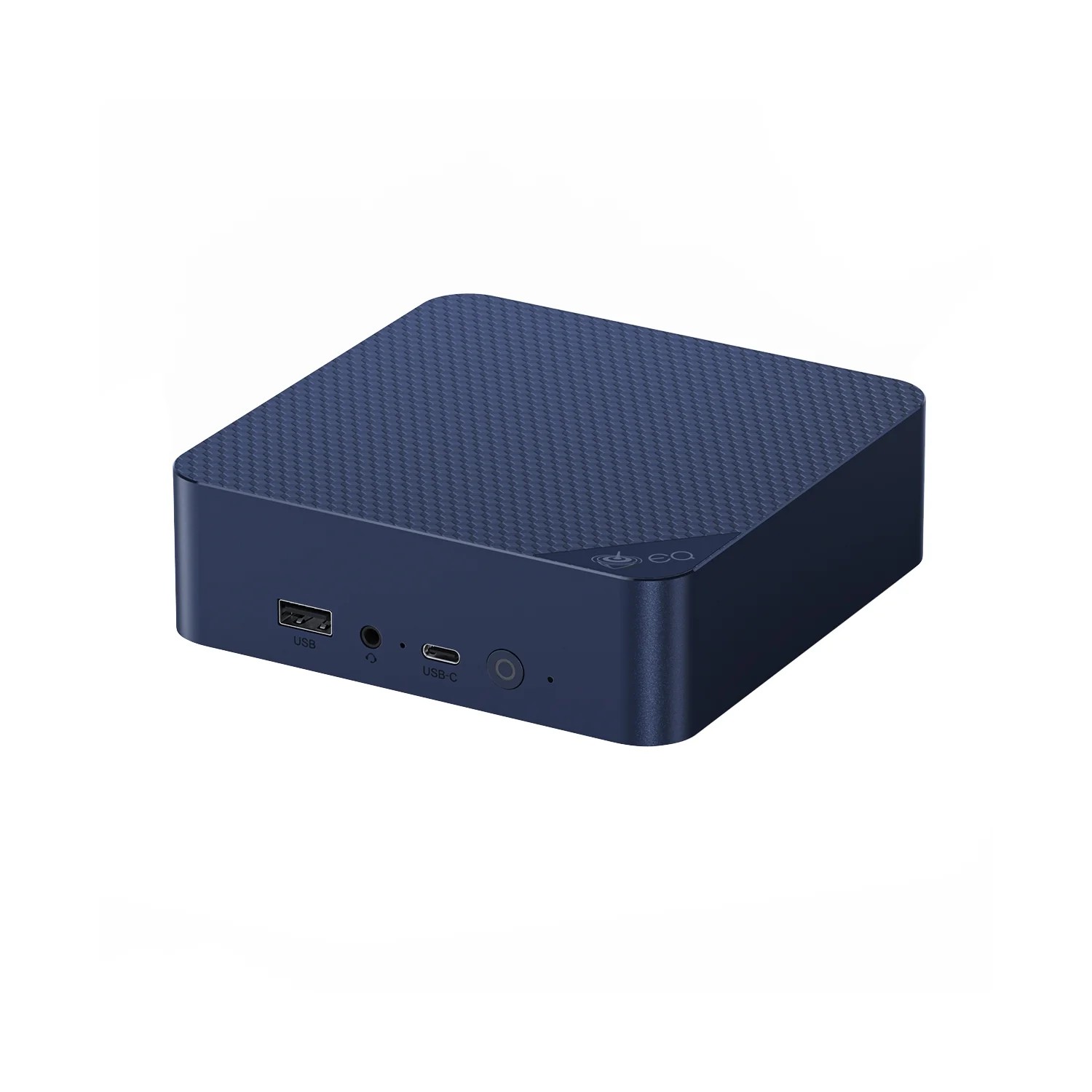
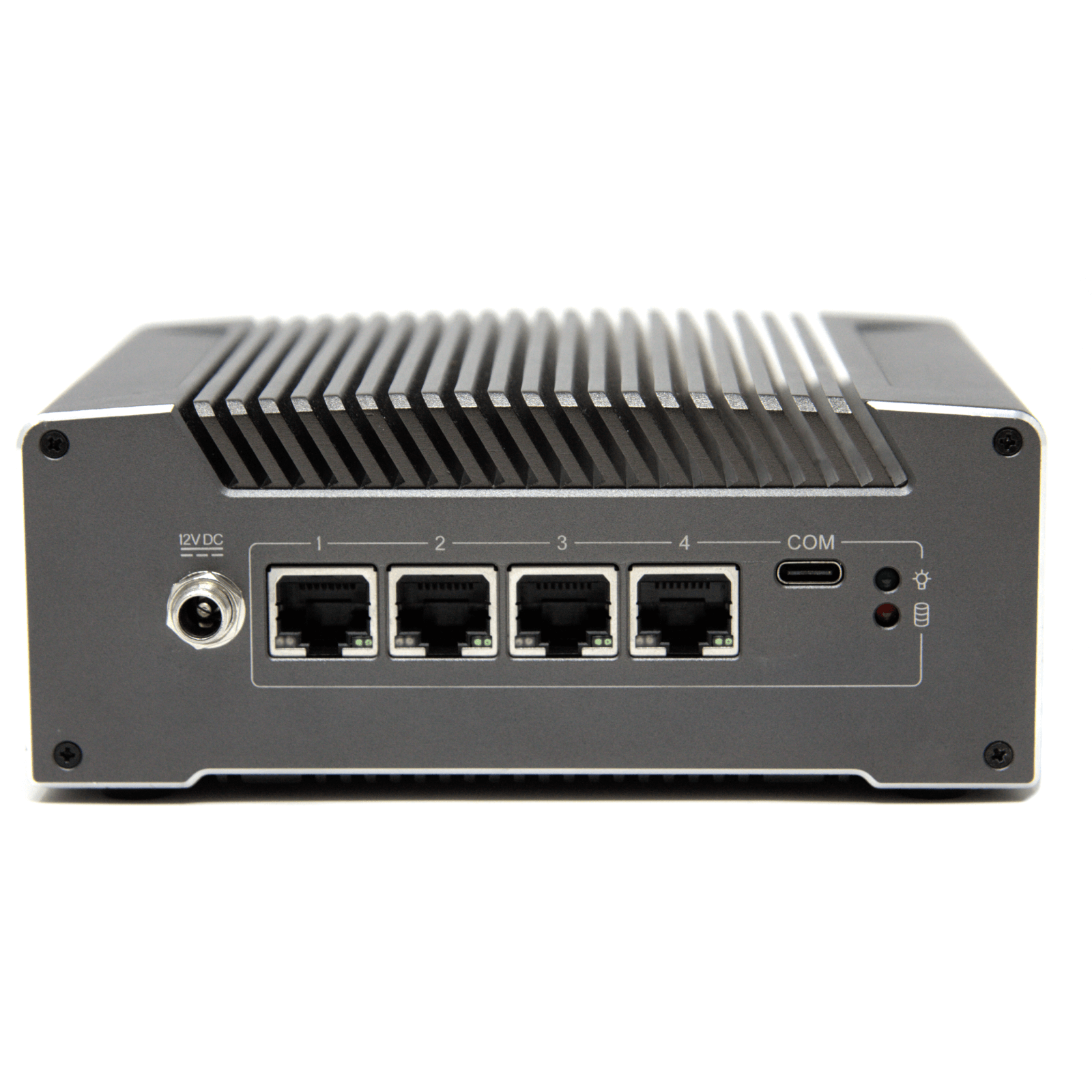
Other options:
- Protectli Vault FW4B
- Older model to the V1410-4
- Mini PC Quad Core N150, DDR5 8GB RAM 128GB NVMe SSD)
- No Name, but has decent reviews on Amazon
- Qotom Router Q750G5 Intel Celeron J4125 (my current setup)
- No longer available as of 2025 (vs 2023 when I bought it)
Note: As an Amazon Associate I earn from qualifying purchases. No additional cost to you.
Old computer with Dual/Quad NIC
Another option is if you have an older desktop or server lying around, it can make a great OPNsense firewall usually with just adding a dual or quad network interface card (NIC). This will allow you to multiple network interfaces for separating LAN and WAN at a minimum and optional VLANS or DMZ networks.
While these systems can be less power-efficient than mini computer option, they offer an affordable way to experiment, learn, and try out different configurations. This is a great option by providing reliable performance for home or small office networks without the need to buy new or specialized hardware.
Amazon typically has renewed computers that you can pick up pretty cheap.
- Dell Optiplex 7070 Desktop Computer, Intel i7-9700, 32GB RAM, 1TB SSD
- This one is newer and high performance, but they have older that are most cost effective.
- Amazon Renewed Store
Official OPNsense Store
If you are looking for a turnkey solution, highly recommend checking out the Official OPNsense Store which offers a range of firewalls, from compact desktop units to full rackmount systems. All of the hardware is designed, built, and shipped from Europe. While these devices are great quality, one thing to note is these typically come at a higher cost, example is at the time of this post (Dec 2025), the cheapest device was €549,00 or approx $650 USD.
Virtualized Hardware
If you have a dedicated device that you virtualize other services on already, you might want to virtualize OPNsense. Assuming you have the hardware already, this is the cheapest option. You can virtualize on platforms like Proxmox or ESXi which would allow for easy backups and the ability to manage multiple services on a single host.
Conclusion
Choosing the right hardware is a key step in building a reliable OPNsense setup. Whether you go with a DIY build, a single-board computer, old computer, or hardware from the official store, the options listed here cover a range of performance needs and budgets. Use this guide as a starting point, and tailor your setup to match your network demands. With the right hardware, OPNsense can provide a powerful, stable, and flexible firewall for years to come.
Additional OPNsense content

OPNsense vs pfSense : Full Comparison of Features, UI, and Hardware
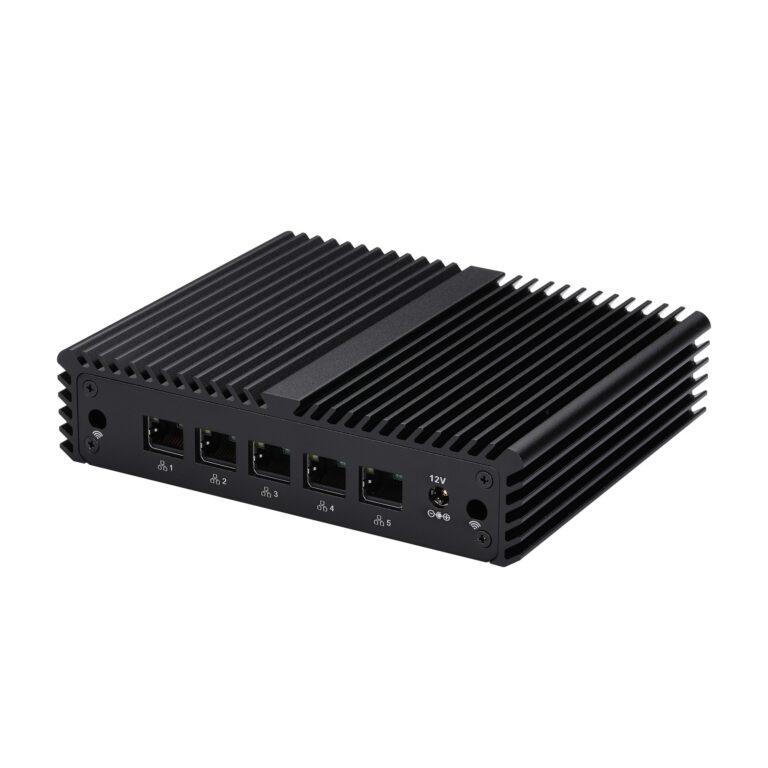
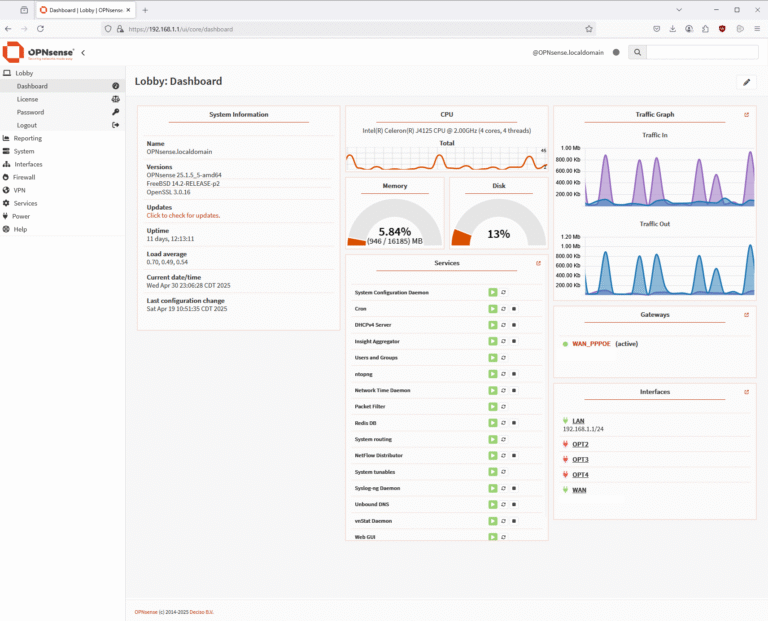
DIY OPNSense Router/Firewall build
One thought on “Best Hardware for OPNsense in 2026: Mini PCs, DIY Builds, and Appliances”