Intro and Installation
This is a Fedora 45 review covering installation, performance, XFCE, included applications, and the overall desktop experience to help you decide if Fedora is worth trying.
Installation was really straightforward and, like most Linux distributions, walked through the usual steps including keyboard and language selection, software package options, user creation, bootloader configuration, and installation.
First Impressions and Performance
Fedora is a well put together, functional Linux distro. It includes all the basic apps you need, along with some more advanced ones. Out of the box, it just works. Using the Xfce version, the menu bar is at the top with a quick launch panel along the bottom. Overall, the GUI feels quick and snappy, and even Firefox loads quickly.
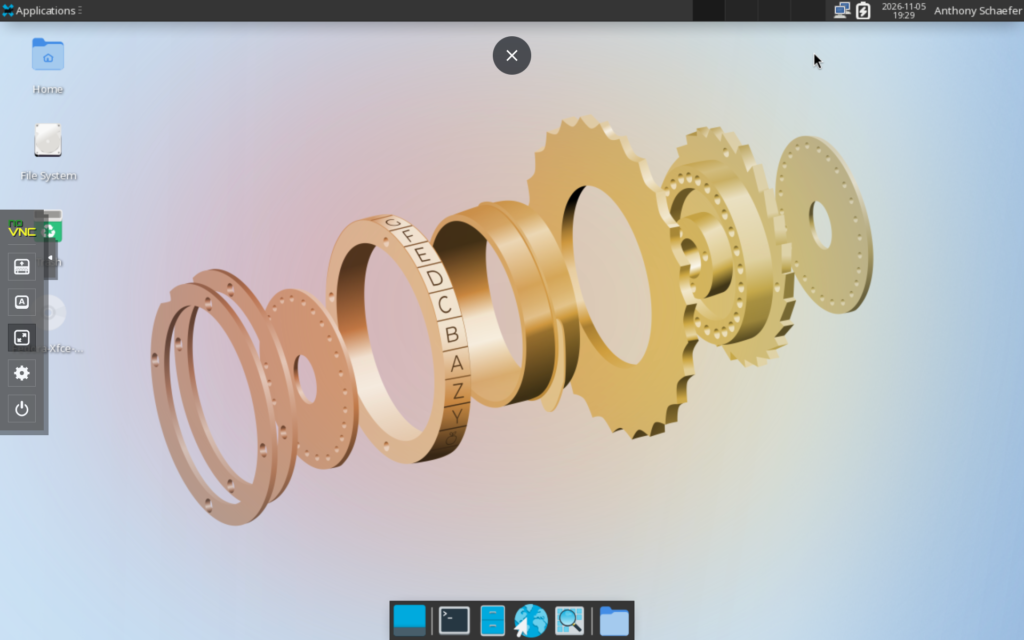
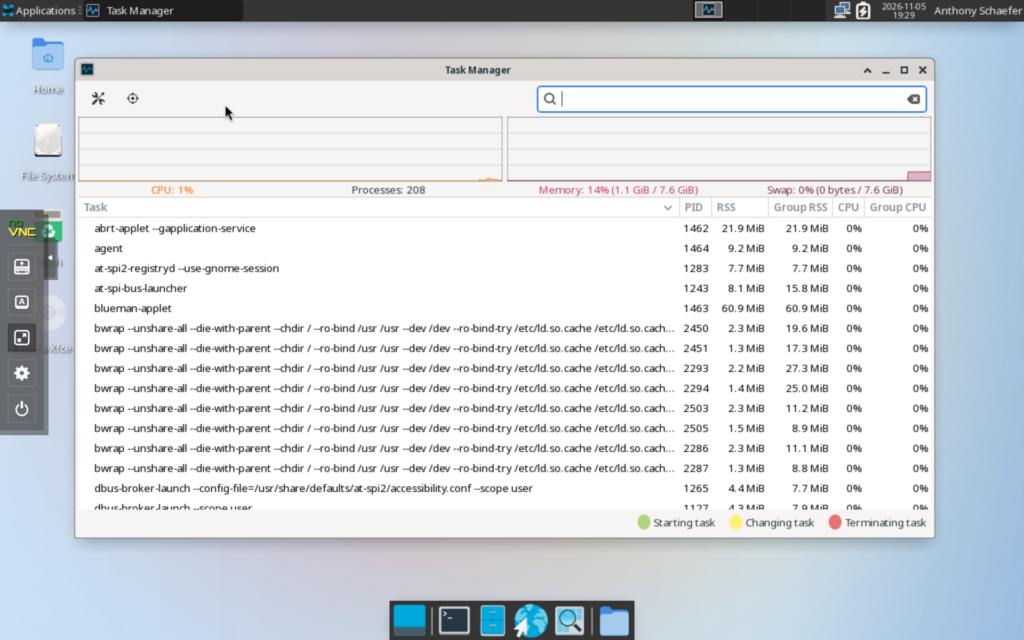
At idle, Fedora 45 used approximately 1100 MB of RAM and 1% CPU. This puts it at the higher end of RAM usage compared to other Xfce distros, but very similar to Fedora 43 or Fedora 44.
Software & Package Management
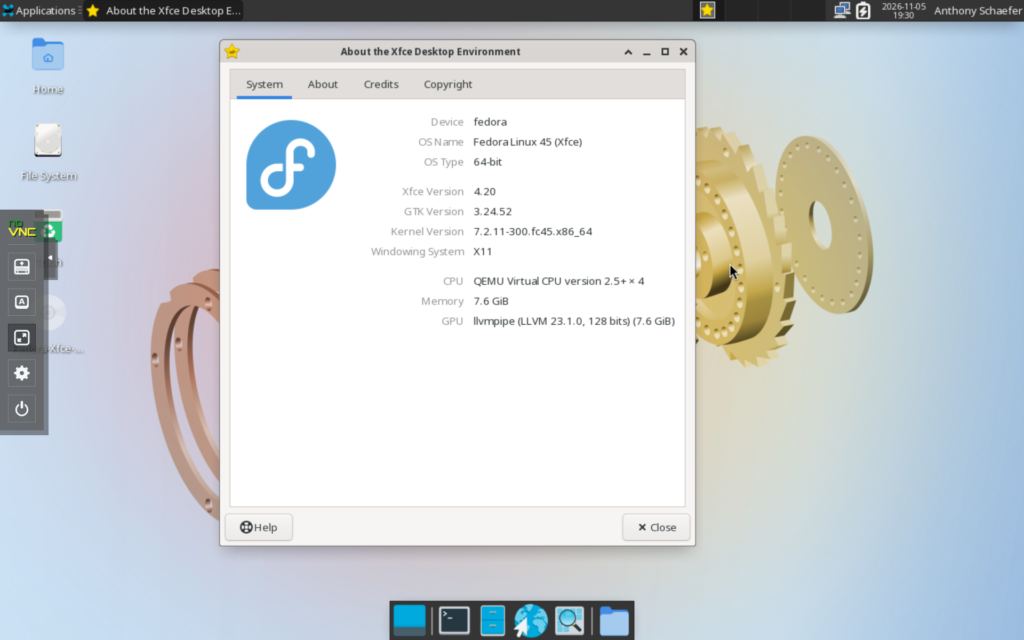
Fedora 45 comes with the 7.12.11-300.fc45.x86_64 kernel and Xfce 4.20 as the desktop environment. Fedora comes with a good selection of preinstalled apps that cover most of the basics, along with a few more advanced tools. You get the essentials for web browsing, file management, productivity, and system management without needing to install much right away. The app selection is fairly practical without feeling too bloated, and you can always add more through Fedora’s software repositories.
Pros and Cons
Pros
- The Xfce desktop is clean and lightweight
- Quick and responsive performance
- Good selection of preinstalled apps
- Up-to-date software and packages
- Solid overall Linux experience
Cons
- Shorter release cycle means more frequent upgrades
- Third-party software sometimes requires enabling additional repositories
- Default XFCE layout and appearance are fairly basic

Final Thoughts
Overall, Fedora 45 is a solid Linux distro that does a good job of balancing performance, stability, and newer software. The XFCE version is lightweight, responsive, and comes with a good selection of apps to get started. I didn’t run into any major issues during my testing, and everything worked as expected right out of the box.
If you’re looking for a straightforward Linux distro with access to newer packages and a clean XFCE experience, Fedora 45 is worth considering. I’ll likely revisit this review as I spend more time with other desktop environments, especially KDE.
If you’re looking for a dependable Linux system for daily use or even a server setup (using the Server edition), Fedora is a great choice. If you prefer something with a flashier interface, there are other options worth exploring even among Xfce-based distros. Check out my Best Xfce Distros post for more recommendations.
Resources
- Official Website: https://fedoraproject.org/
- Community Forums: https://discussion.fedoraproject.org/
One thought on “Fedora 45 Review”